Do you include a “Back” button in multi-step wizards?
Loading last updated info...
When building multi-step wizards (e.g. forms, onboarding flows, or setup processes), always provide a "Back" button, unless there's a very good reason not to.
A "Back" button gives users confidence that they can safely navigate through the steps without fear of losing progress. It helps reduce frustration and increases completion rates, especially when users need to review or correct something in earlier steps.
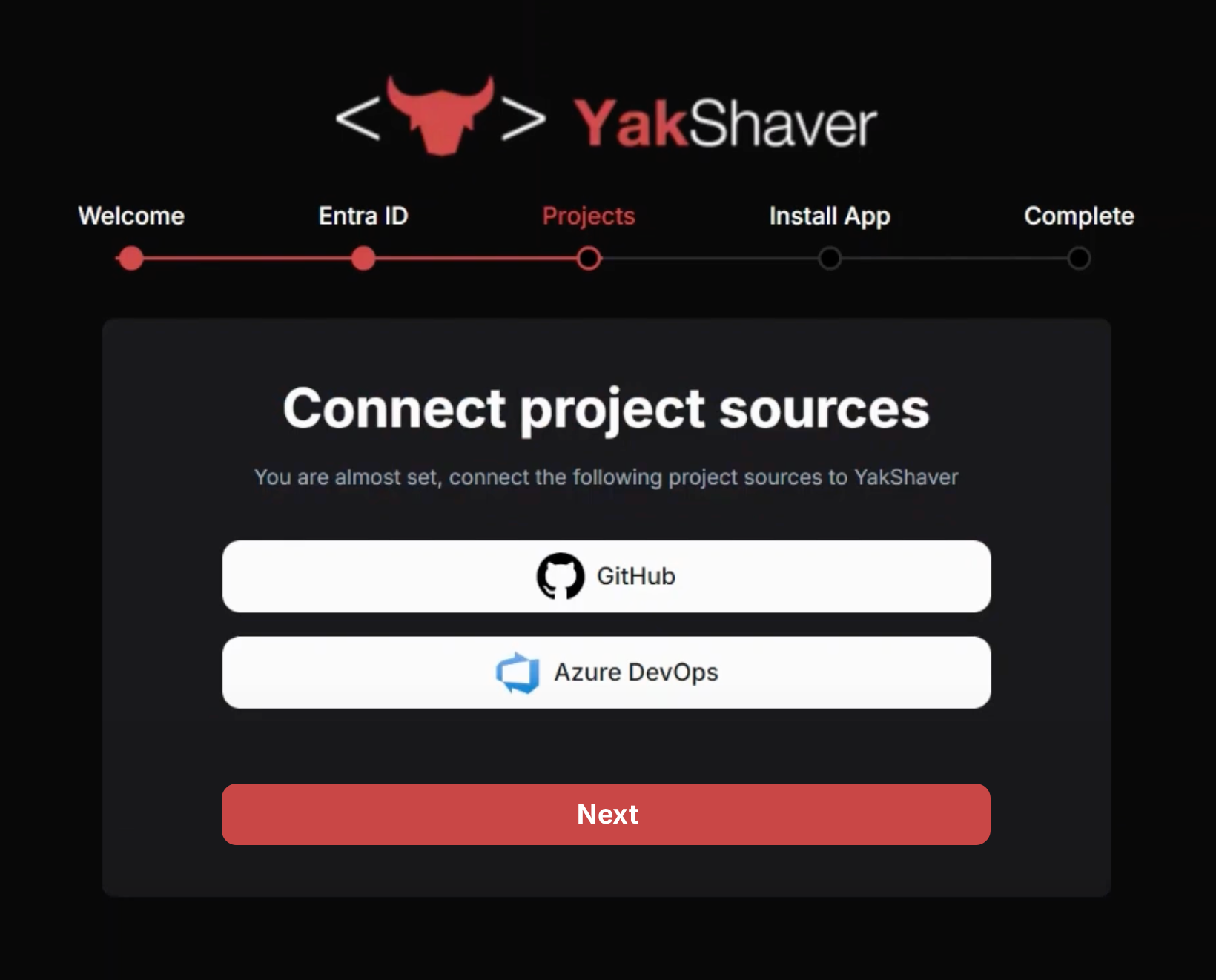
❌ Figure: Bad example - User hits "Next" and can't go back to change their answer
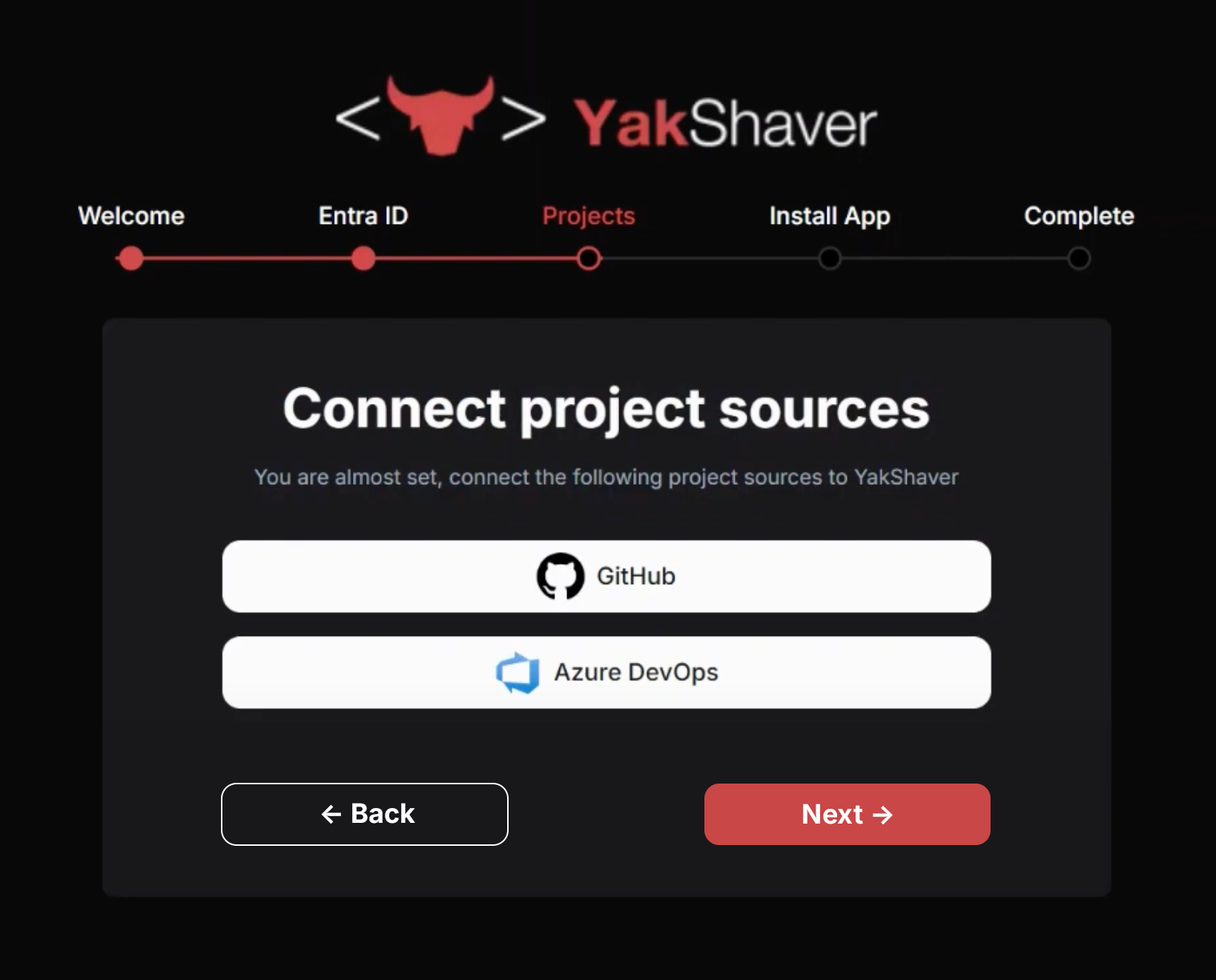
✅ Figure: Good example - "Back" button is clearly visible
Implementation tips
- Place the "Back" button to the left of the "Next" or "Submit" button
- Use consistent labels (don't use “Previous" or other variations)
According to Design Specifications and Guidelines - User Assistance, the commands for navigating through a wizard should be "< Back" and "Next >".
Exception
Disabling or hiding the Back button is OK when:
- The previous step doesn’t exist (e.g. it's the first step)
- It's a single-step flow with no navigation needed