Do you consider factors before making a CSS change?
Loading last updated info...
Making CSS changes can range from straightforward tweaks to complex adjustments that impact multiple elements or pages. Knowing when to handle changes yourself and when to seek a developer's input can save time and reduce risks.
When to make CSS changes yourself
For small or simple adjustments, it’s often faster and more efficient to handle the change yourself. This applies when:
- The change is isolated: Adjustments affect only a specific element or page
- Minimal complexity: Minor visual changes, such as color or spacing tweaks
- No significant dependencies: No impact on other components or functionalities
- Low testing requirements: The changes don’t need to be tested across multiple browsers or devices
.button {font-size: 1rem;}
✅Figure: Good example – A simple CSS change handled without involving a developer
Making the changes yourself still require someone else to check your work (e.g. over the shoulder)
When to involve a front-end developer
More extensive or unfamiliar CSS changes require careful handling to avoid unintended side effects. In these cases, seeking help from a developer is advisable:
- Scope: The change spans multiple pages or templates
- Complexity: It involves restructuring layouts or adding new functionality
- Dependencies: Modifying elements tied to JavaScript or backend code
- Testing requirements: Requires thorough cross-browser testing
- High impact: Changes that affect core UI components or interactions
/* Original CSS: Grid-based dashboard layout */.dashboard-container {display: grid;grid-template-columns: 1fr 3fr;grid-gap: 20px;height: 100vh;}.sidebar {background-color: #2d2d2d;color: white;padding: 20px;}.main-content {background-color: #f5f5f5;overflow: auto;padding: 30px;}/* Attempted Complex Change: Altering layout to flex without checking dependencies */.dashboard-container {display: flex; /* Switch from grid to flex */flex-direction: column;}.sidebar {width: 100%; /* Full width sidebar */height: 50px; /* Introduced height constraint */}.main-content {flex: 1; /* Fill remaining space */overflow: visible; /* Removing critical overflow control */}
❌Figure: Bad example – A complex layout change attempted without consulting a developer, risking broken functionality
Key Factors
When determining whether to proceed independently or engage a developer, consider:
- Scope – How many components/pages will be affected?
- Complexity – Are structural elements or media queries involved?
- Impact – Will the change affect other functionalities?
- Familiarity – Do you understand the CSS framework or codebase?
- Time – How much time will it take?
- Testing – Does the change need cross-browser/device testing?
- Dependencies – Will this change break other components?
- Stakeholders – Do significant changes require input from designers or project managers?
By evaluating these factors, you can balance efficiency with caution, ensuring smooth updates without compromising quality. When in doubt, consulting a front-end developer who is familiar with the project is always the best approach.
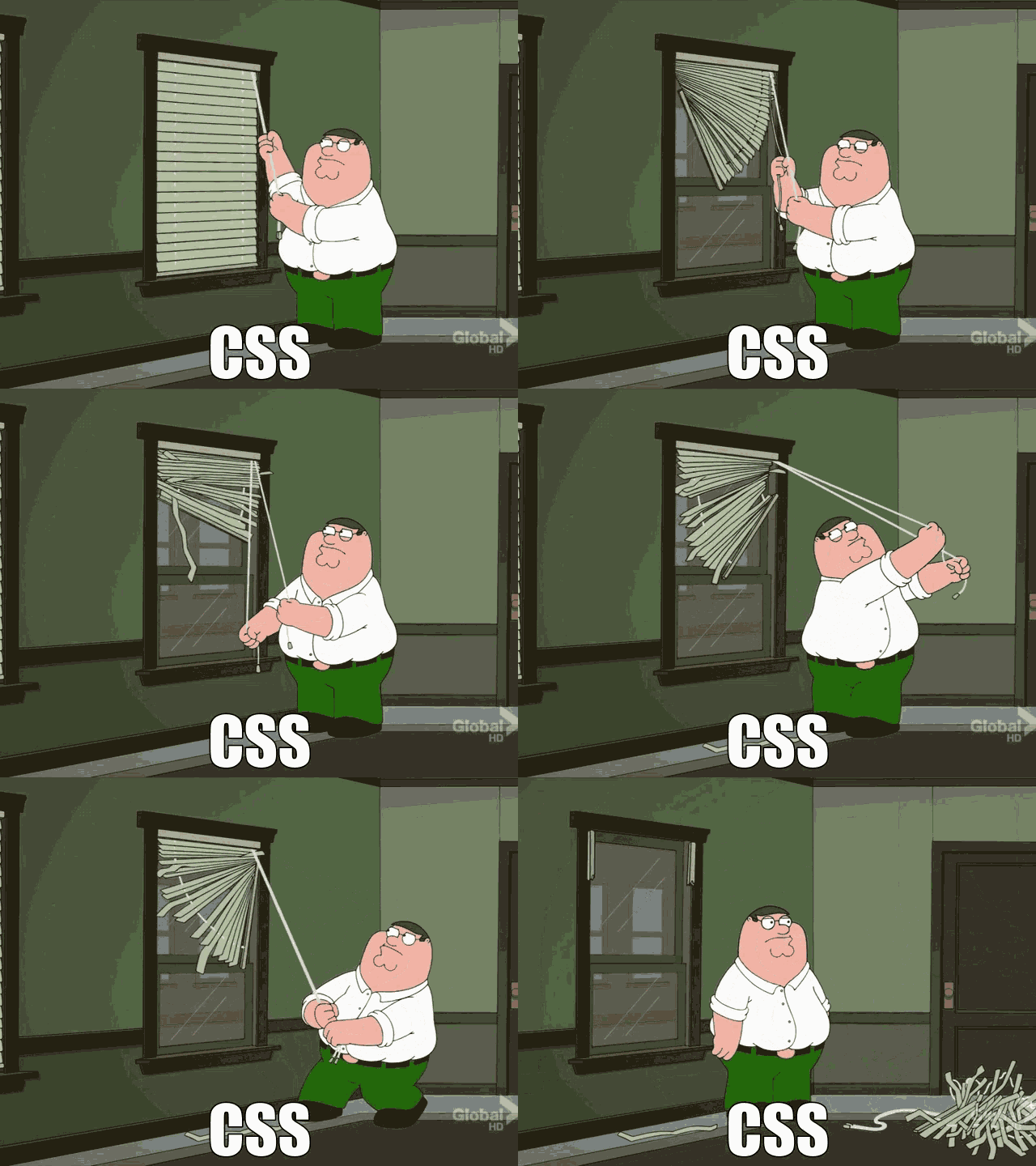
Figure: Working with CSS