Do you always use Site Columns instead of List Columns?
Loading last updated info...
A site column is created on a site level and visible to all lists and content types within that site (and subsites).
You should always try to use Site Columns instead of List Columns
- New in WSS v3 (SharePoint 2007)
- The same column can be added to different Content Types, lists, list templates
- Allows you to make modifications at one place and SharePoint can apply the changes for you across the different lists and content types (doesn't try to fix the content for you though)
- More visibility of the customization we are applying to the SharePoint website
- Make sure the site column is added to our own group description such as "SSW Columns" - this is important for filtering and exporting site column customizations for deployment. Also great because they are now grouped in the UI.
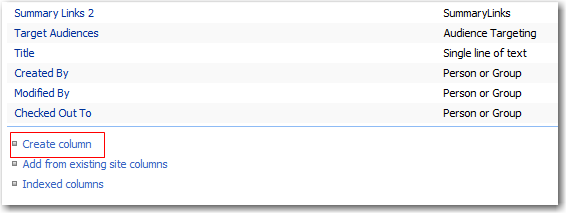
❌ Figure: Create column - Bad Example
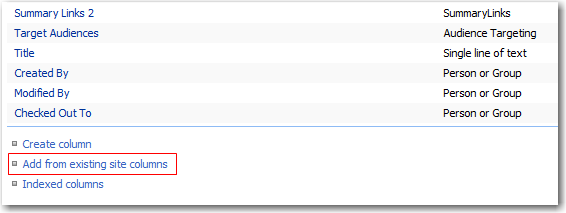
✅ Figure: Add from existing site columns - Good Example

✅ Figure: Site Columns - Good Example
Sometimes you still may want to use a List Column.
- You are Mary and want to create a simple list to track supplies, but you do not have site permissions to create site columns