Do you know how to configure which environments to use for a particular test?
Loading last updated info...
In Azure Test Plans, each test case has configurations defined against it and these can be used to define which environments to use for a test.
To define the configuration for a test case, select the Test Plan and go to the Define tab, then choose the "Assign Configuration" option from the appropriate test case:
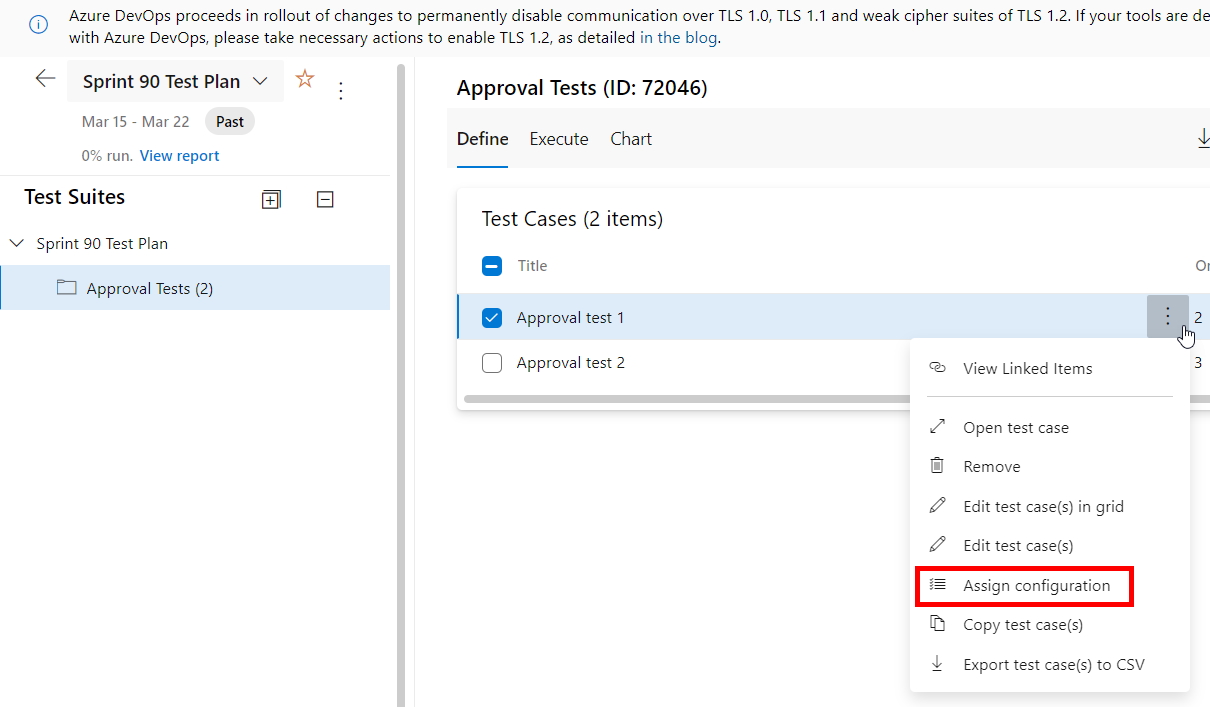
Figure: Click on "Assign Configuration" from the appropriate test case
Select the required configurations for this test case and click "Save":
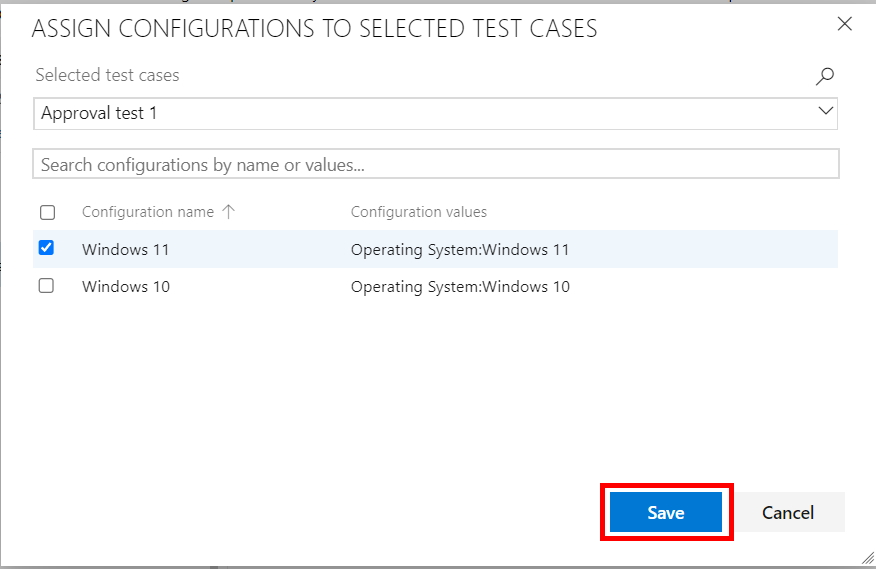
Figure: Choose from the available configurations, then click the "Save" button