Do you know how to upgrade CRM 2015 to 2016
Loading last updated info...
CRM 2016 has many improvements over it's predecessors, including Power BI integration, improved navigation, and the new Outlook extension.
The procedure for upgrading CRM 2015 to 2016 is:
- Apply Windows Update on CRM and Database servers
- Go to CRM server | Deployment Manager | Disable CRM organization
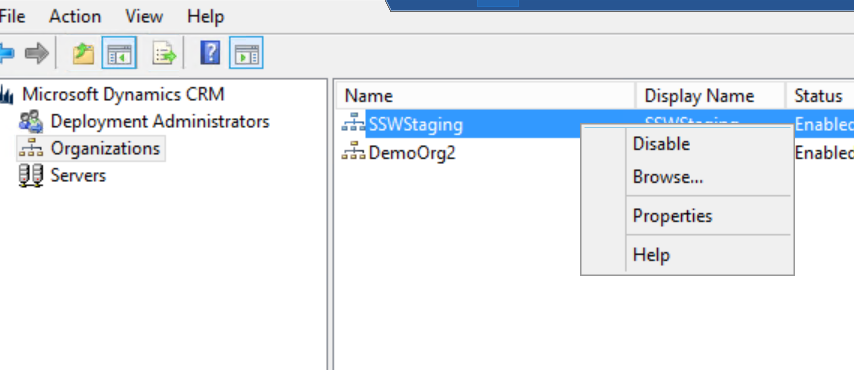
Figure: Disable organization
- Back up CRM organization database and configuration database
- Go to CRM server | Control Panel | Uninstall "Microsoft Dynamics CRM Reporting Extensions"
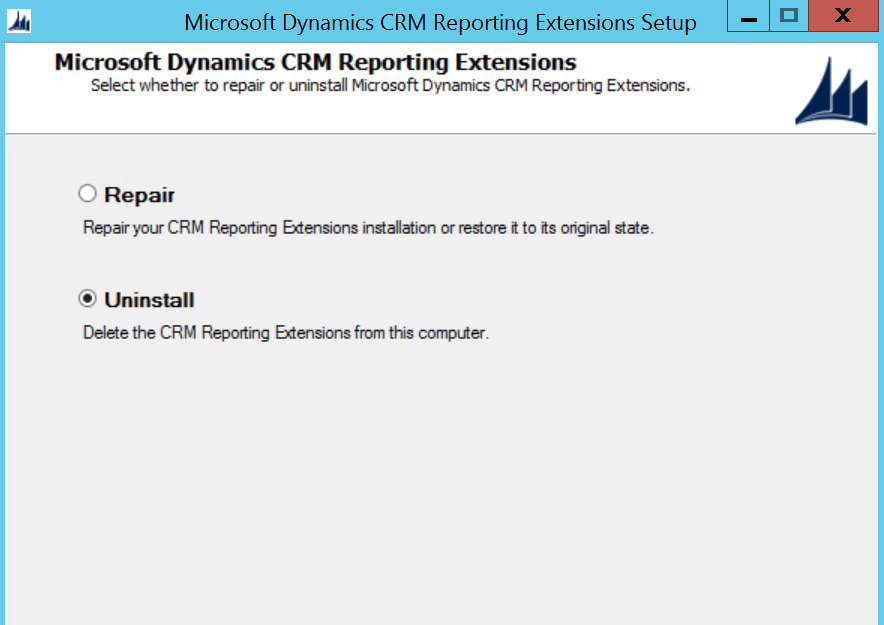
Figure: Uninstall CRM Reporting Extensions
- Download CRM 2016 Server installation file and start the upgrade
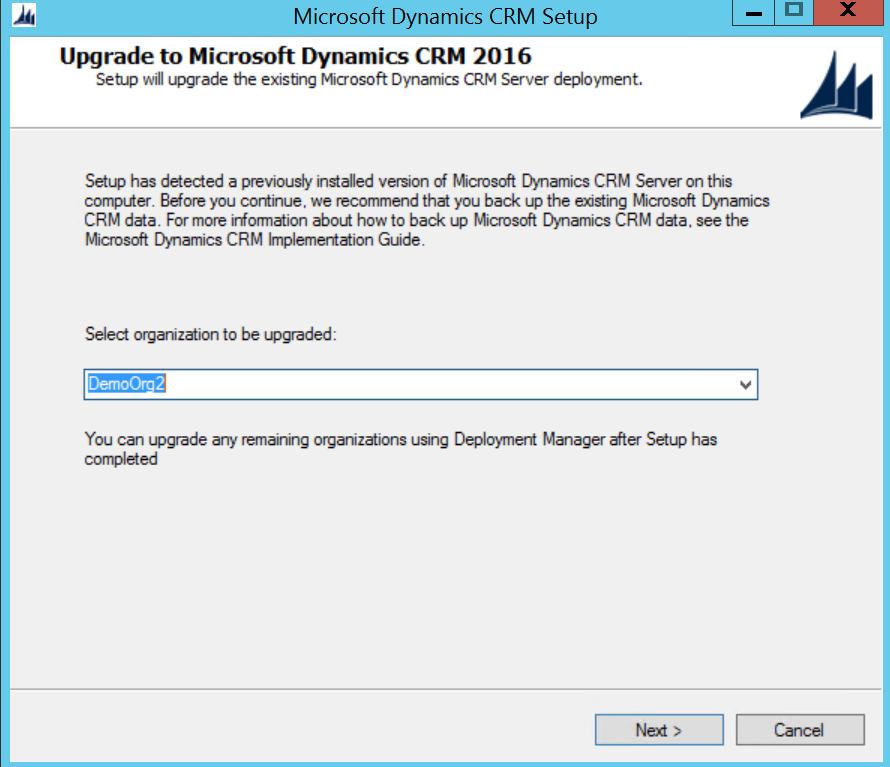
Figure: Select the demo organization to be upgraded
Note: It's better to have an empty demo organization to be upgraded first, so that you can test if the server upgrade has no issues.
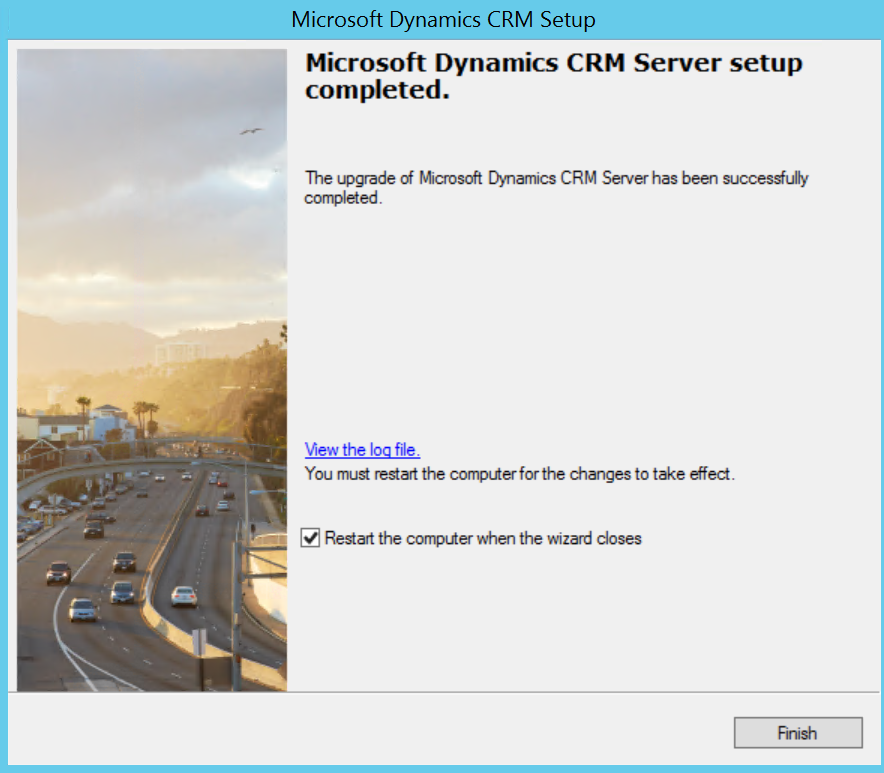
Figure: Successfully upgraded CRM server
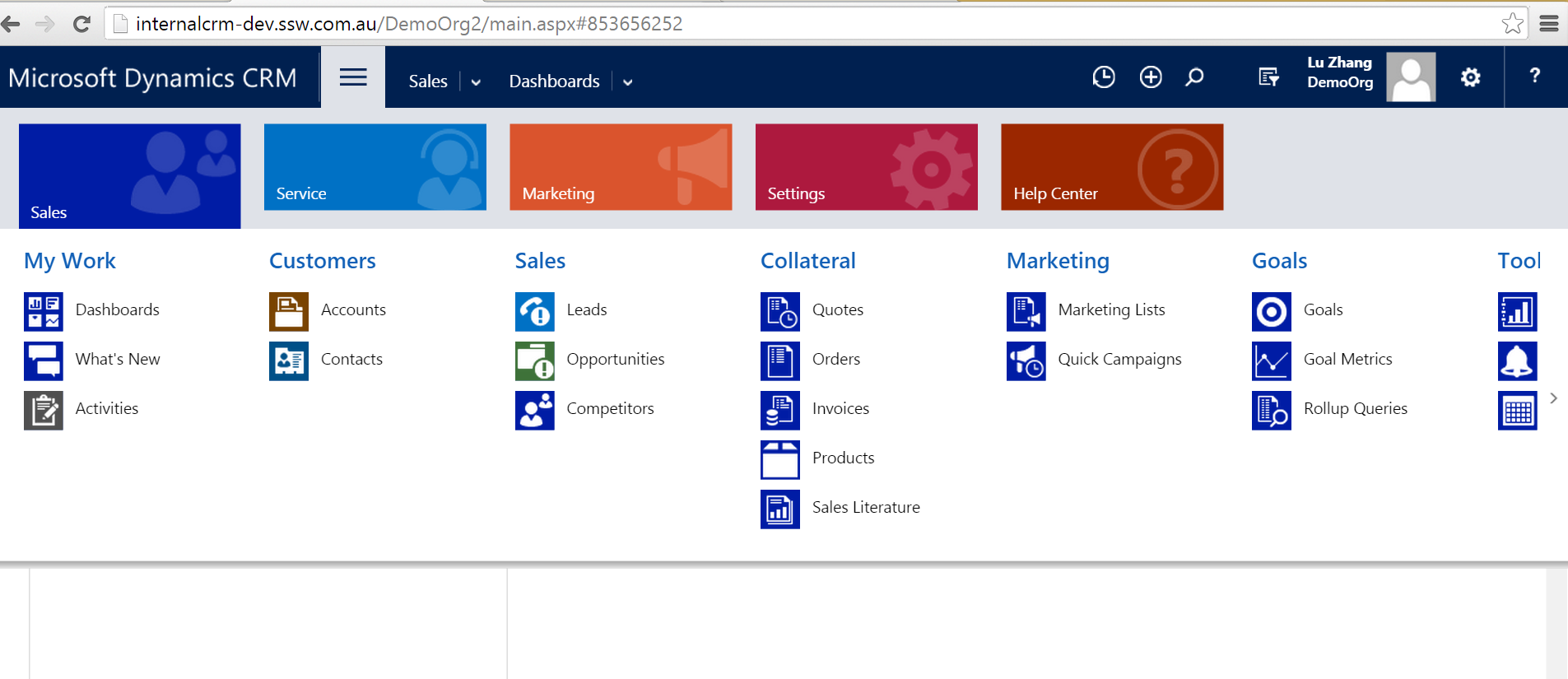
Figure: Quick test on the demo organization
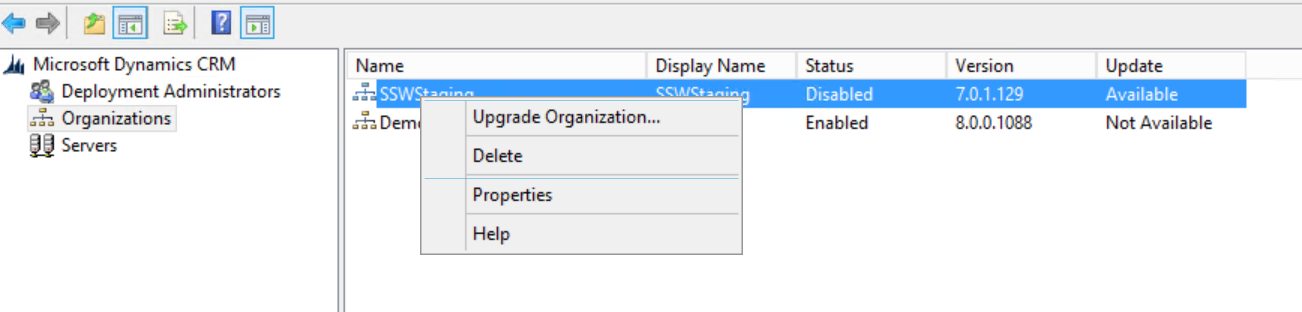
Figure: Upgrade business organization
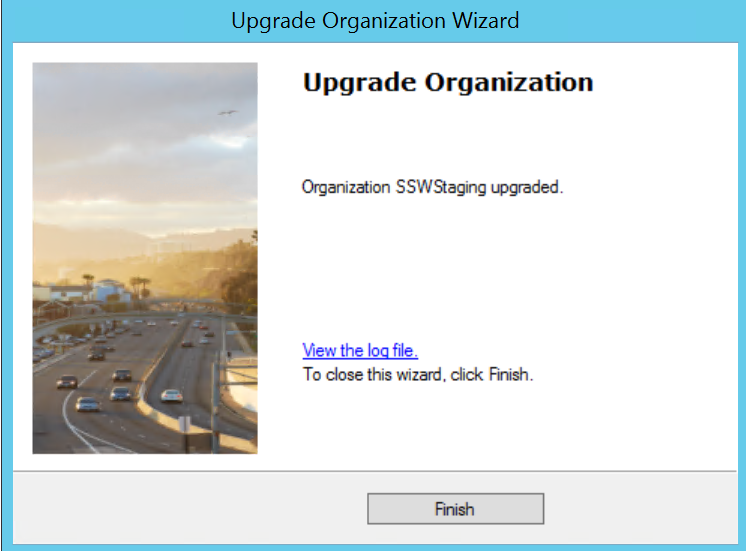
Figure: Successfully upgrade organization
- Go to CRM setup directory | SrsDataConnector | Install 'Microsoft Dynamics CRM Reporting Extensions"
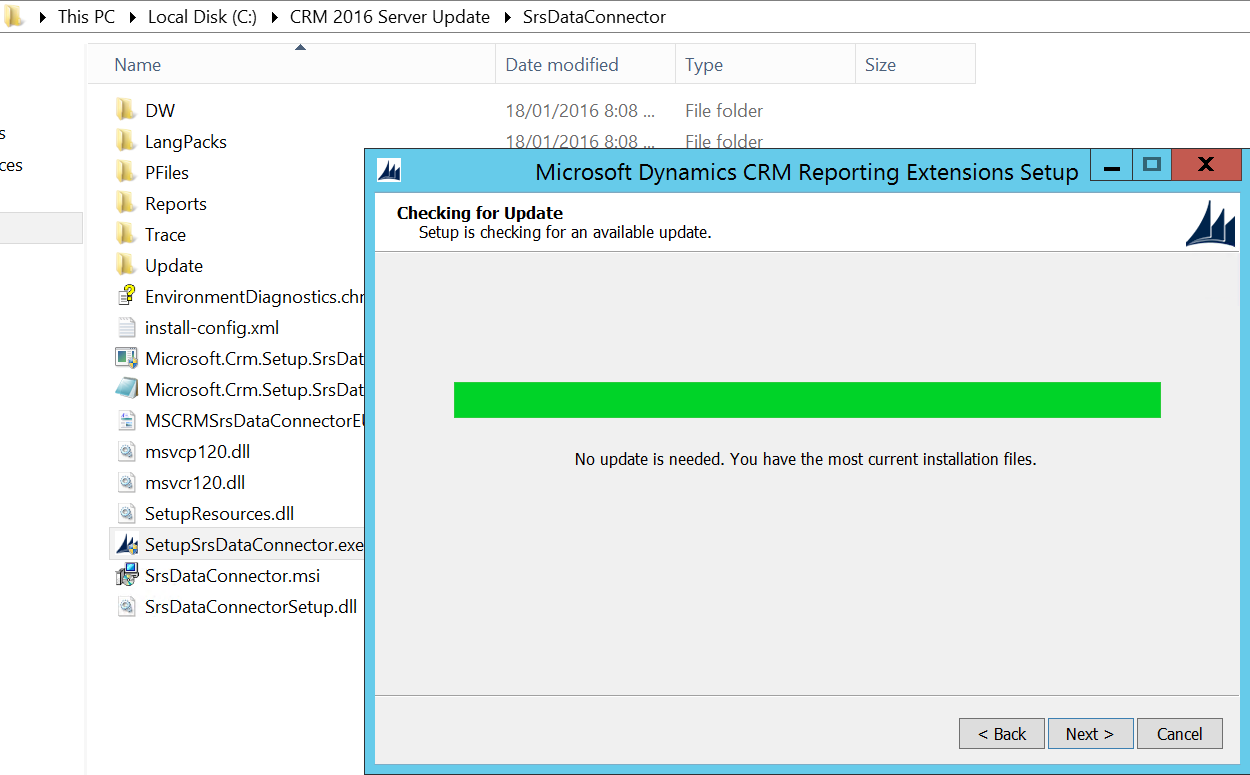
Figure: Install CRM Reporting Extensions
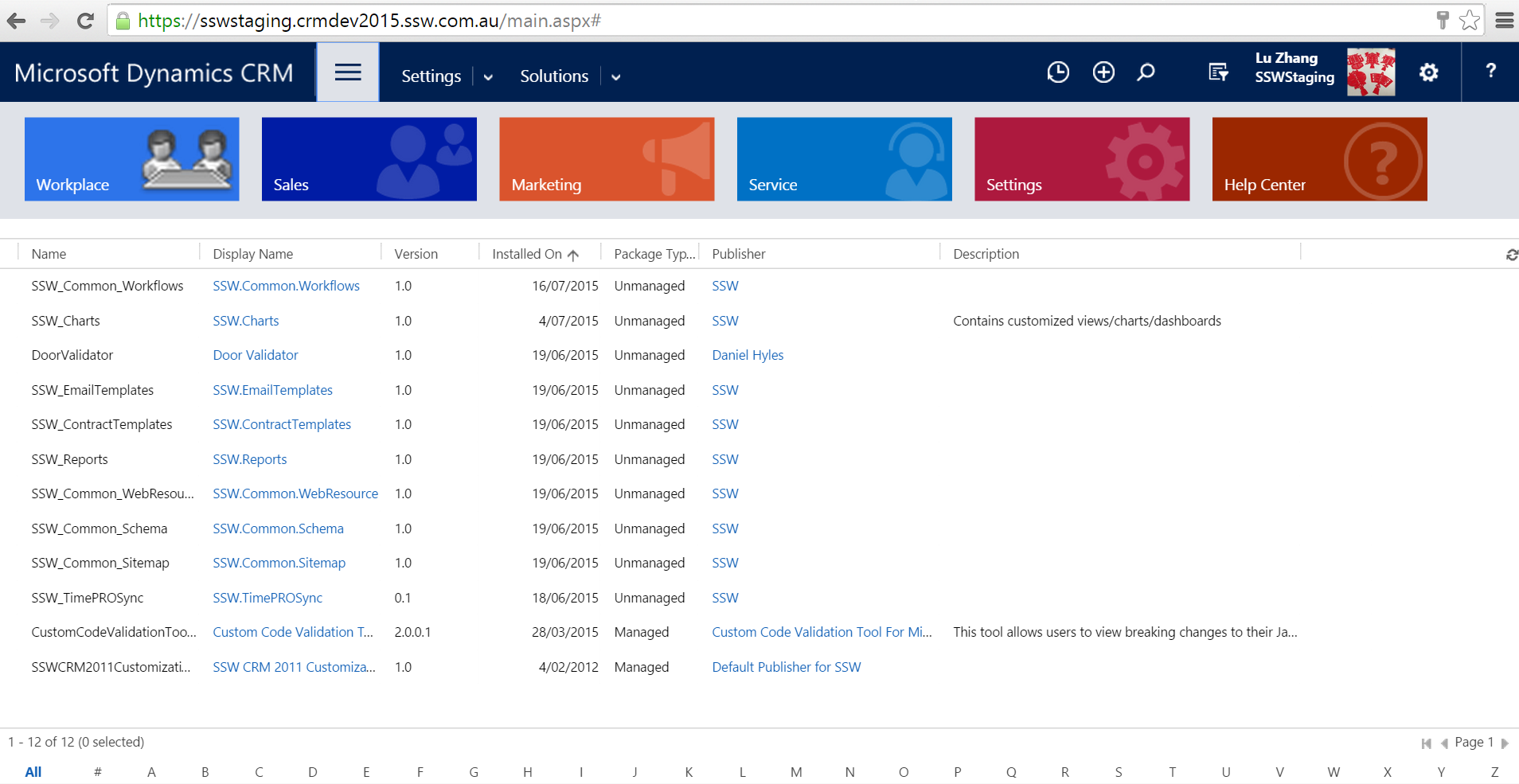
Figure: Successfully upgraded to CRM2016
If using Email Router, do the following 2 steps to upgrade Email Router to 2016
- Go to CRM server | Uninstall "Microsoft Dynamics CRM 2015 Email Router"
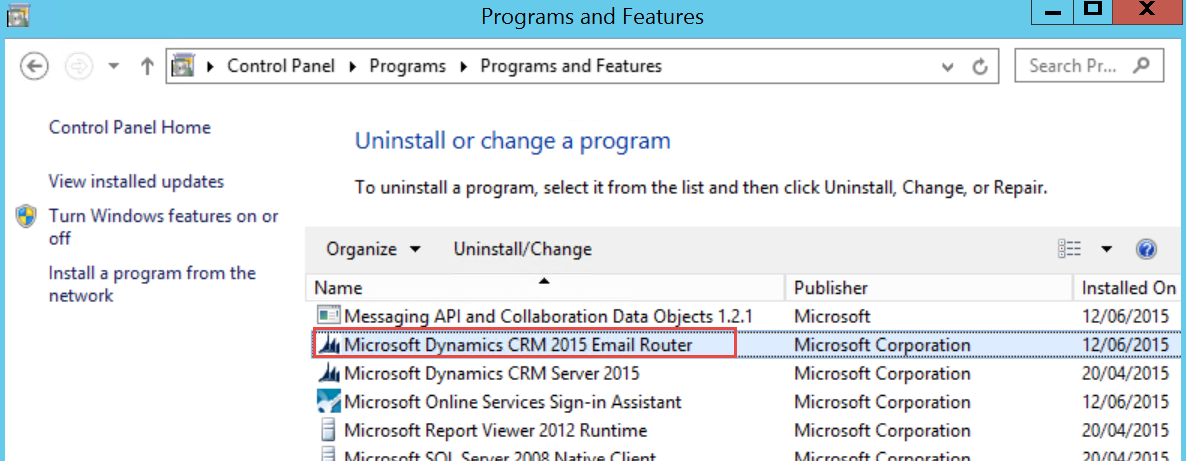
Figure: Uninstall Email Router 2015
- Download CRM 2016 Email Router and install
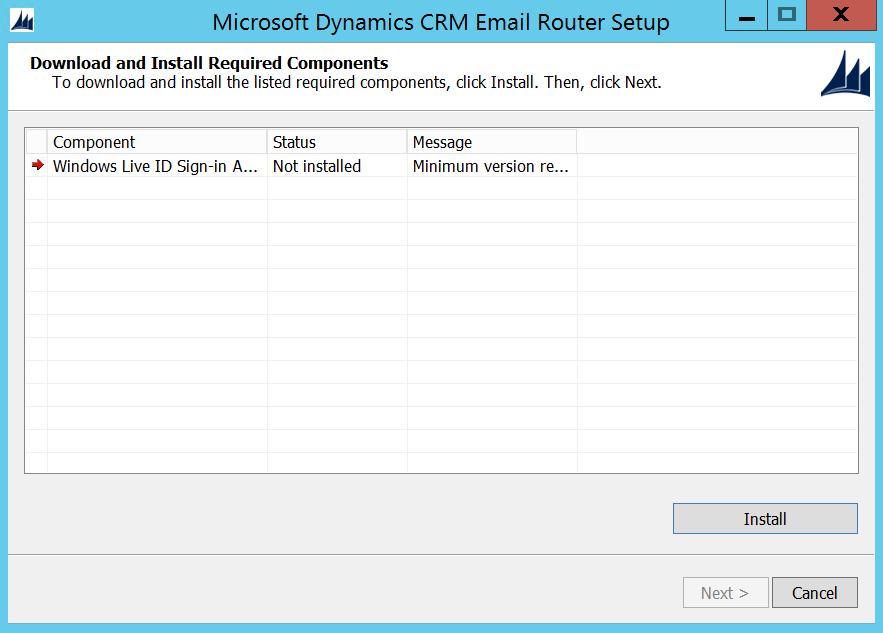
Figure: Install required components for Email Router 2016
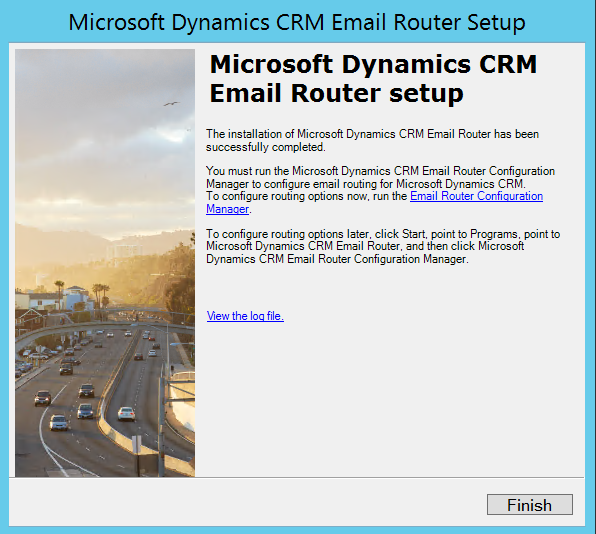
Figure: Successfully installed Email Router 2016
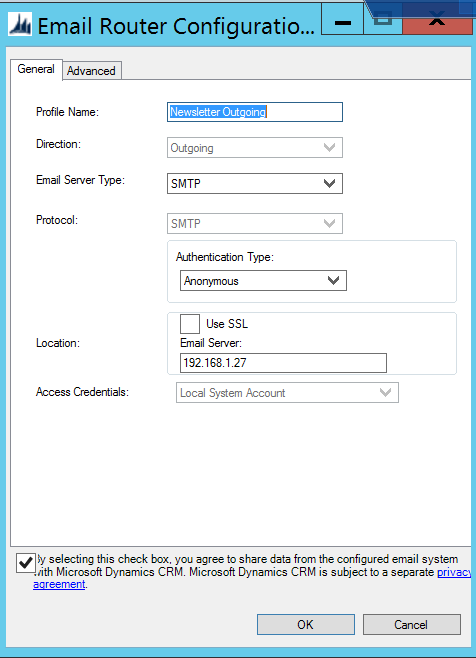
Figure: Configure Email Router
You're now ready to roll with Microsoft Dynamics CRM 2016. If you had any trouble with this guide, please let us know with a rating of this rule.