Do you know if you are using the template?
Loading last updated info...
PowerPoint templates are designed to engage your audience visually and save you time. When you start creating a new presentation file, always make sure you use a template.
Pros of using a template are:
- Consistency of use for others at your company to work on it
- Consistency of look on intro and finish slides
- Consistency of look footer on each slide
- Consistency of general styling
- It helps with the process of getting a ‘Designer Test Pass’

❌ Figure: Bad example - Not using the corporate template (in this case not SSW)
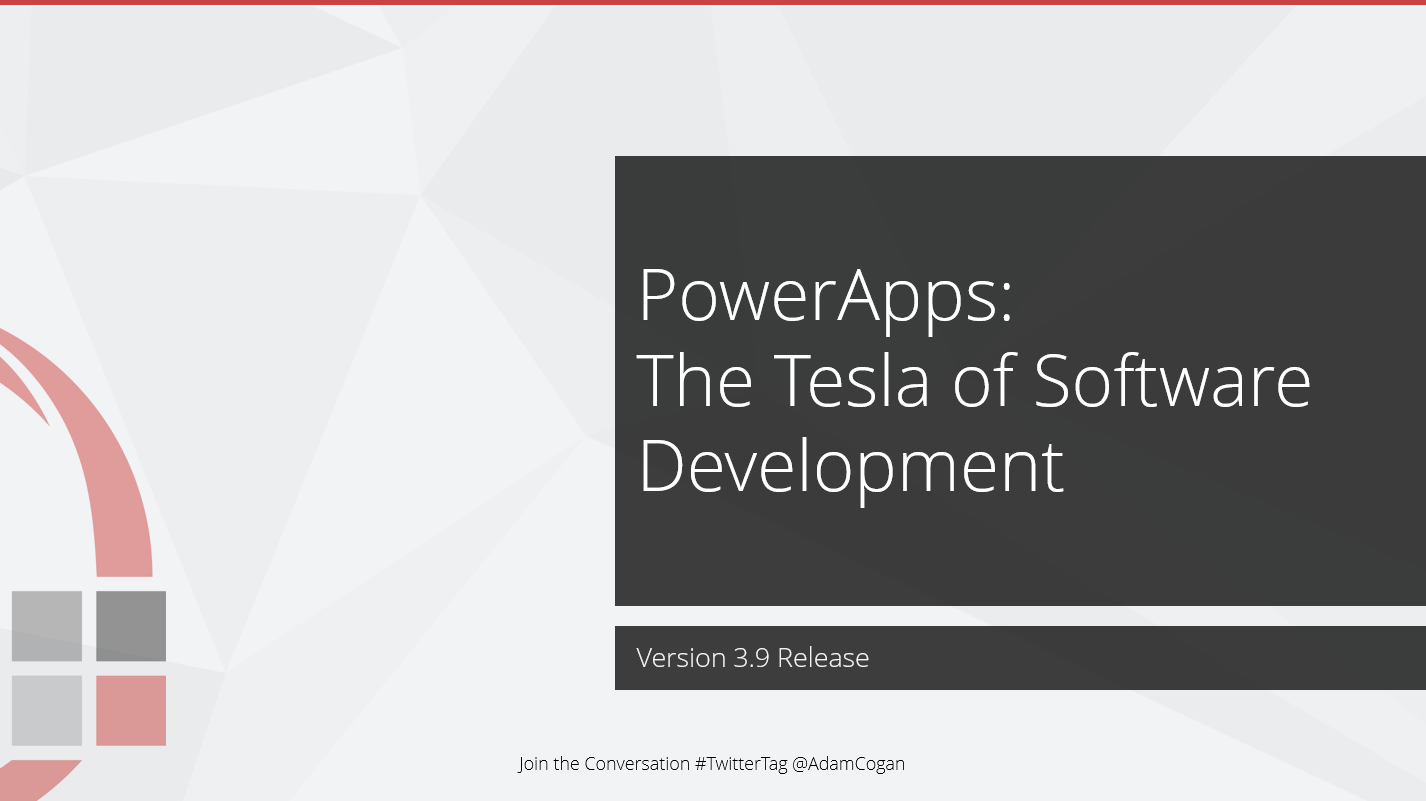
✅ Figure: Good example - That's a mighty fine looking template you got there
How to pick the template: In newer versions of PowerPoint, it is necessary to add your custom template to: C:\Users<UserName>\Documents\Custom Office Templates\
They will then appear in the PowerPoint list when creating a new presentation. You can also find a more in-depth guide on how to create PowerPoint templates and how to use a personal template.
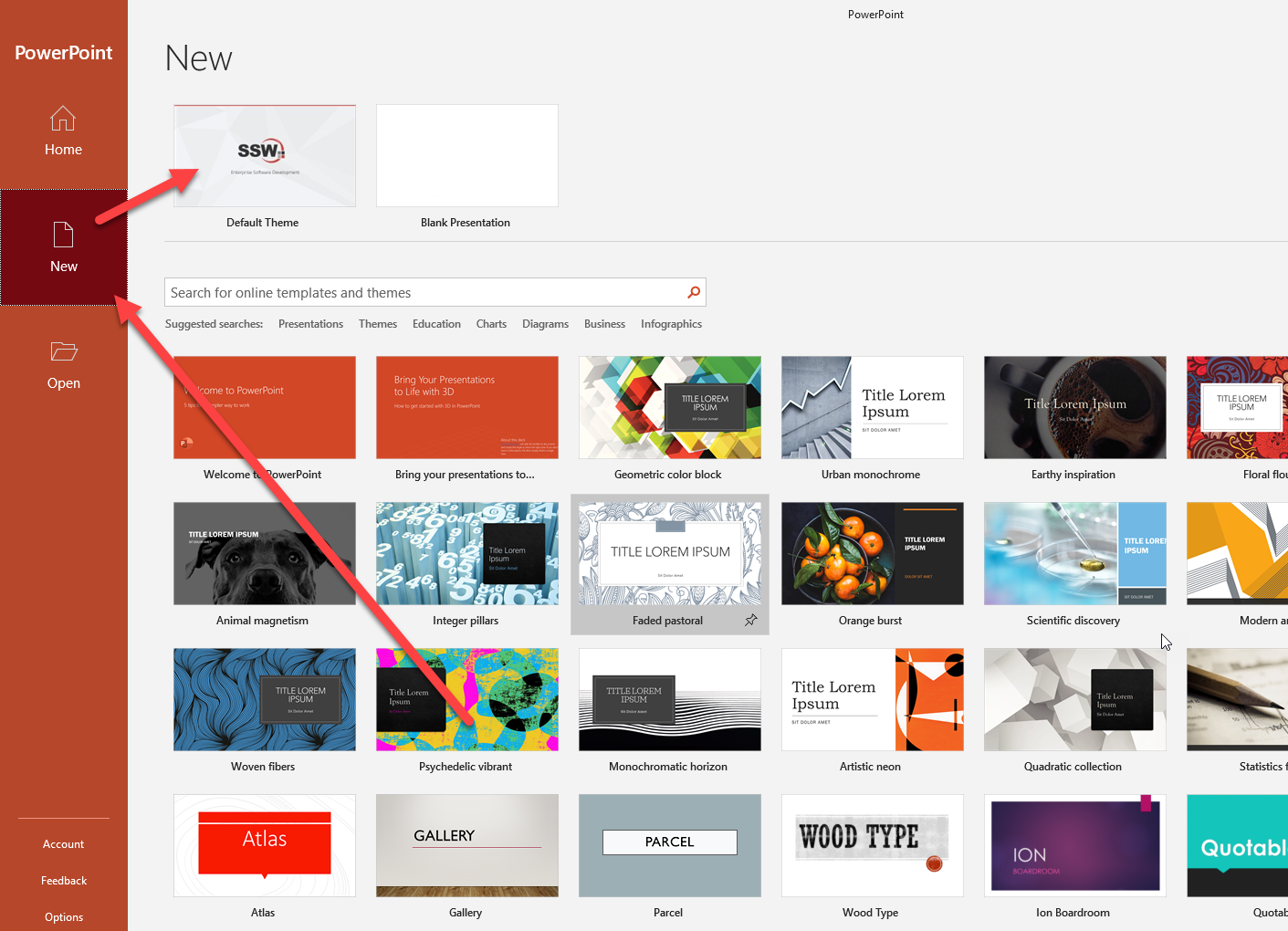
✅ Figure: Good example - Your custom template appears in PowerPoint
How to check if the template is being used?
There is no way to tell which template your presentation is using. The workaround is to add a hidden slide at the end with a list of the version changes E.g. version number, date, description, etc