Do you use an ellipsis (...) to indicate an action requiring more user input?
Loading last updated info...
In menus (including context menus) or buttons, there are generally two types of actions:
- ones that carry out an action without any further user intervention upon clicking;
- and those that require further user input before the action is carried out
Microsoft applications use this technique to indicate whether or not the action will be carried out without any further user intervention. Your application should also follow this well-established standard, so users will not be caught off guard when an action carried out immediately after they click the menu item.
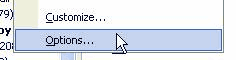
✅ Figure: Good Example - Options menu in Outlook, with ellipsis
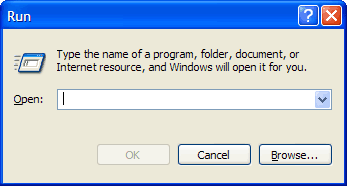
✅ Figure: Good Example - Ellipsis on buttons that require further input
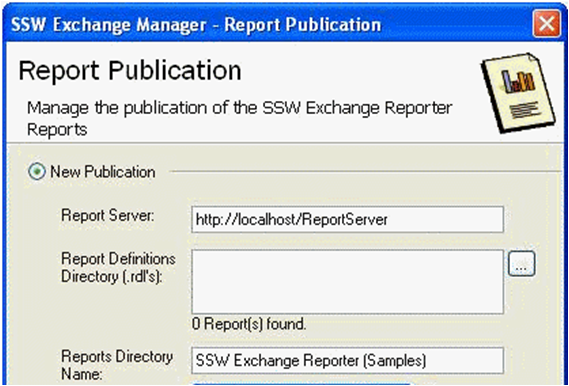
✅ Figure: Good Example - Different ways of using the elipsis
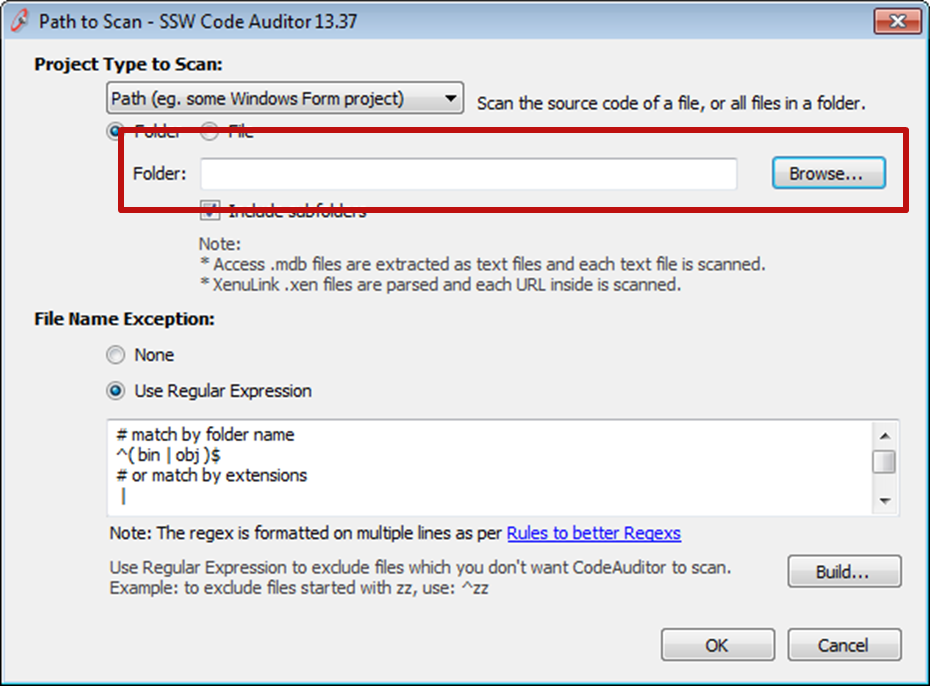
✅ Figure: Good Example - Elipsis being used on a button requiring user input