Do you know how to enable chat for a user?
Loading last updated info...
Zendesk support agents can have chat enabled, allowing them to answer chats from the website.
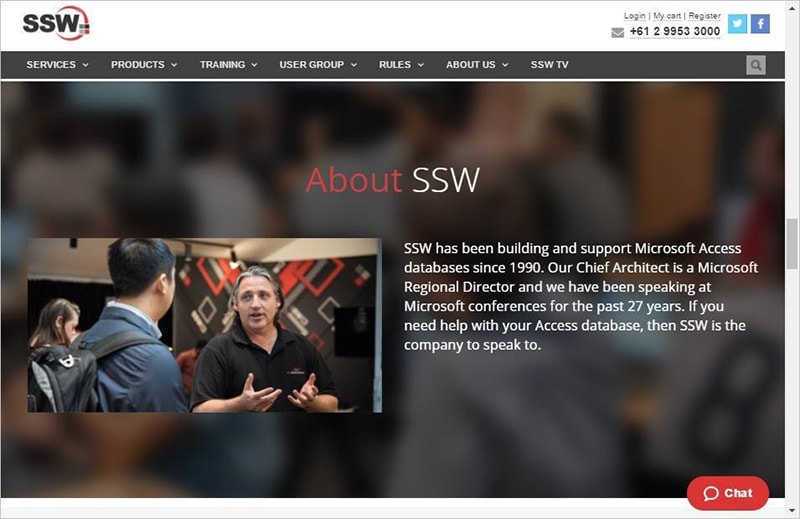
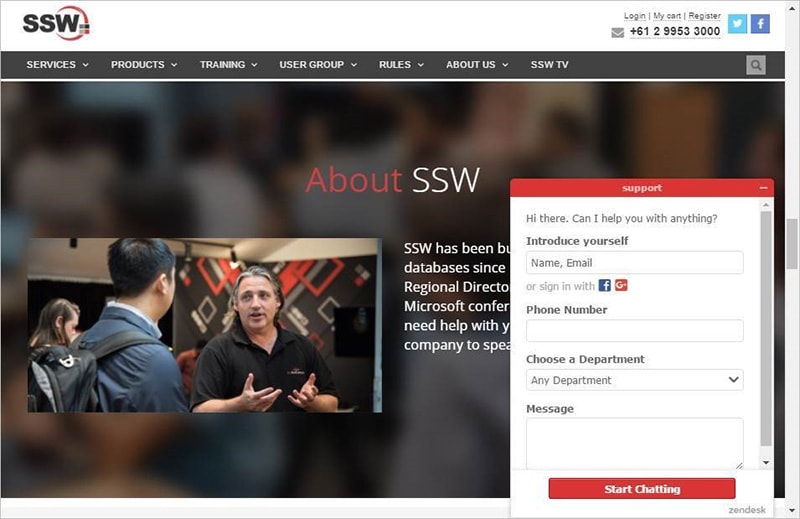
Figure: clicking on it brings up this form, allowing capture of customer data and conversation
To enable this, navigate to Admin (cog) | People | <Agent’s name> | flick the “ Zendesk Chat ” switch:
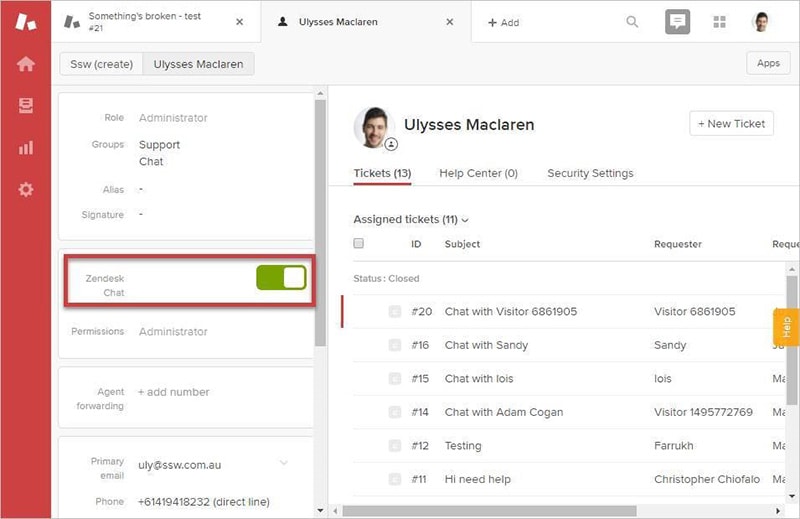
Note: Be aware that this requires a chat license, so should only be enabled for people who will be doing it.