Do you make your secondary LinkedIn account obvious?
Loading last updated info...
If you’re working with LinkedIn Talent Hub solutions and don’t want to use your primary LinkedIn account, you will need to create a second one. The issue is that the secondary account will show up when people search for your name:
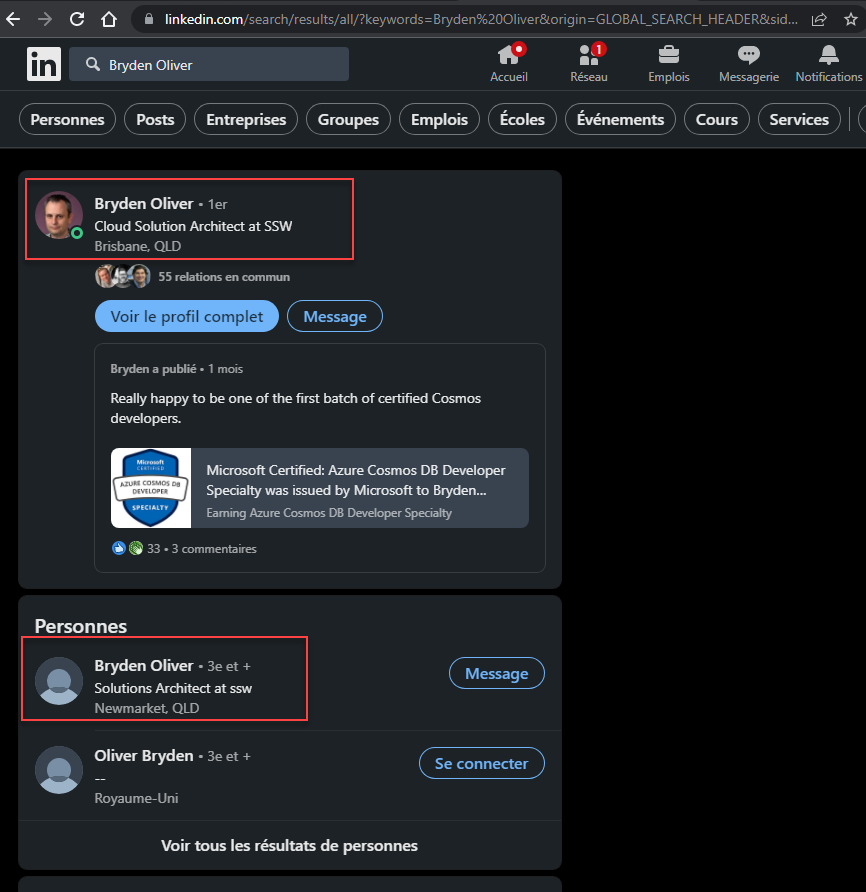
❌ Figure: Bad example - Bryden Oliver showing twice on LinkedIn Search
Unfortunately there is no way to disable/hide your secondary profile if it is associated with Talent Hub:
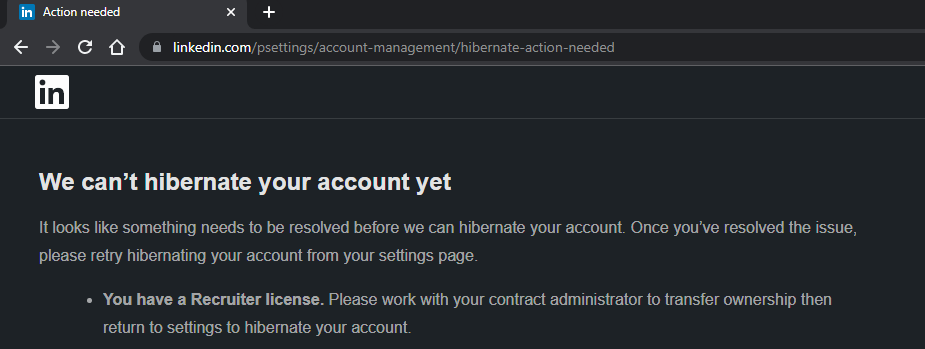
Figure: LinkedIn doesn’t let you disable/hibernate an account that has a Recruiter License
The only workaround is to make your secondary account more obvious by adding a clear description:
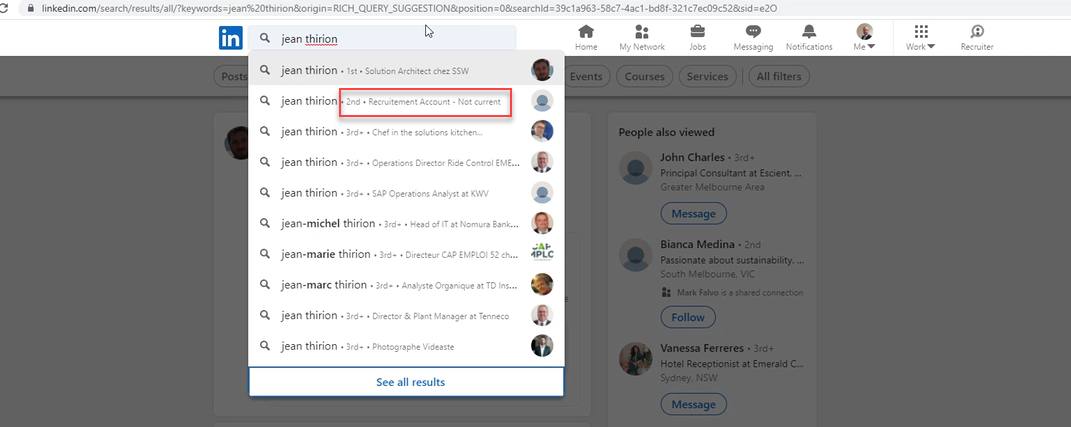
✅ Figure: Good example - Secondary account clearly states that this is a 'Recruitment account' and is not current