Do you know how to set up your workspace for video?
Loading last updated info...
Many businesses have made the transition to working from home (WFH). It’s important to still be able to easily and clearly communicate with your colleagues and externals.
Without a spare room, it can be difficult to create a workable setup, however as you will see in the following examples, it is easy to create a clean and workable setup with a few smart tricks.
Tip #1: Use a room divider
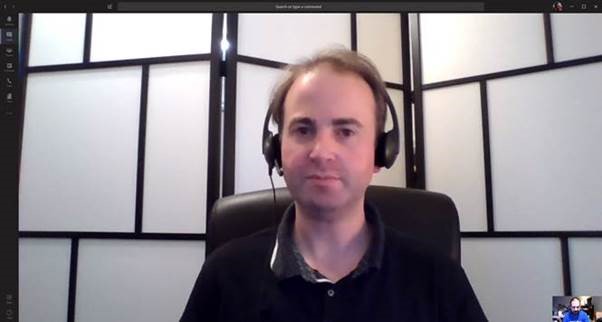
Figure: Christian uses this divider to hide his background
Christian has used a folding room divider to hide his background and create something visually nice to look at.
It has the added effect of softening any background light, e.g. windows, lamps etc.
Tip #2: Off angle camera
Jason’s setup is another good example:
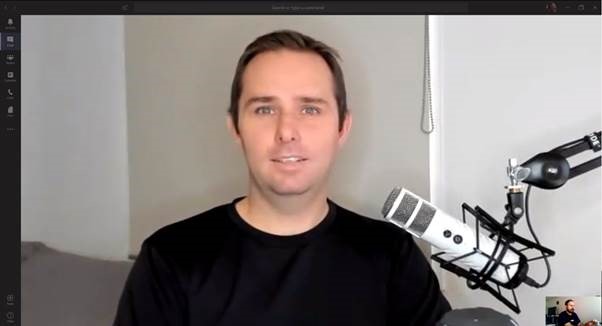
Figure: Jason is in a bedroom, however, the angle shows little of the bed
In this setup, Jason is using a more ‘pro’ setup with a USB powered podcasting mic and an articulating arm. He is also using a high-quality webcam with a ring light.
Originally the shot was more head-on, which meant you could see the bed in full view, however by moving the webcam off to the side and using the blinds, we can get a more pleasant looking shot.
For remote video recordings and User Groups, this is an ideal setup.
Tip #3: Get awesome audio
One of the most frustrating aspects of remote calls is participants’ mixed audio quality. To minimize any issues, there are several different devices you can consider purchasing:
USB webcam with built-in mic array
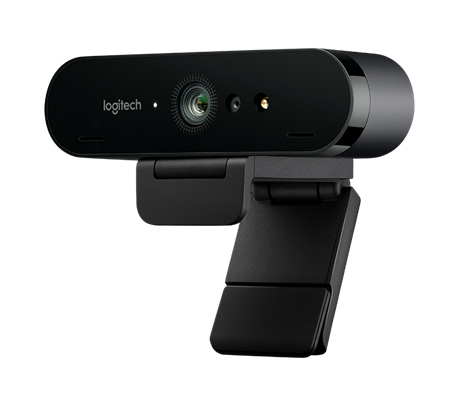
Figure: Logitech Brio 4k webcam
✅ Benefits
- Improves audio *and* video quality compared to the built-in webcam
- ‘One-stop-solution’; easy to install and will work on both laptop and desktop systems
Podcast style microphone
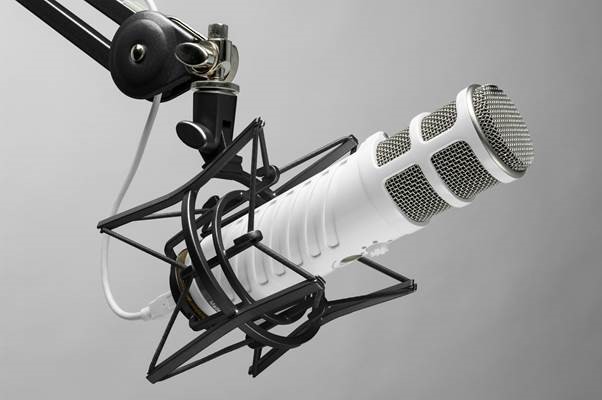
Figure: Rode USB Podcaster microphone
✅ Benefits
- High-quality audio will be very useful if you plan to record videos. e.g. done videos
- You look cool
Tip #4: Improve video with lighting
The best way to improve your video is not to buy a new fancy camera, but to improve your existing setup with great lighting.
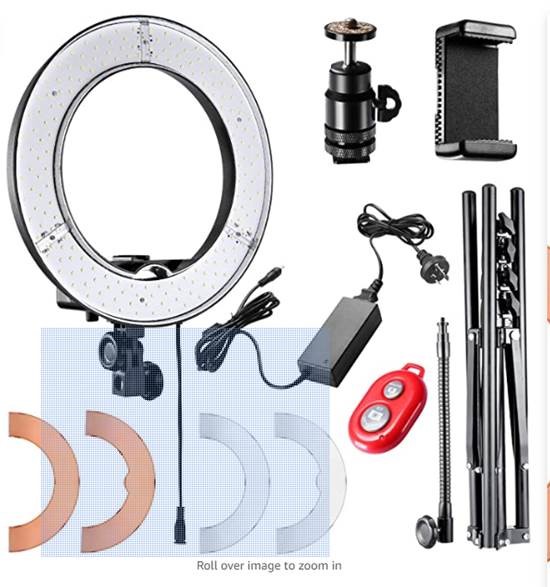
Figure: Ring light for webcam/camera/smartphone
✅ Benefits
- Drastically improves video quality
- Adds professional spark to your presentation
- This kit allows you to use a webcam or smartphone via Bluetooth