Do you add stsadm to environmental variables
Loading last updated info...
In SharePoint 2007, it is a good idea to add the path to stsadm.exe into the environment variables on a SharePoint server so you can open a command prompt and run the tool from anywhere.
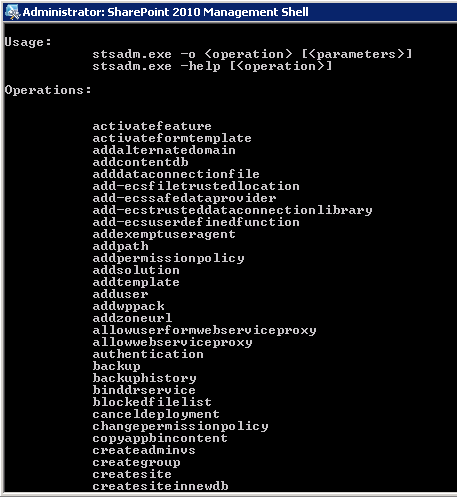 Figure: you should be able to quickly type ‘stsadm’. Believe me you will be typing it enough! In SharePoint 2010, you can skip quite a few steps by using the PowerShell Console.
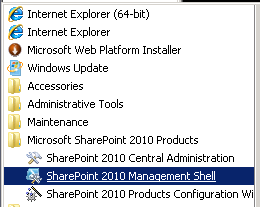 Figure: Using SharePoint 2010 Management Shell
More Information for SharePoint 2007
- In the start menu type Edit the system environment variables and run the tool
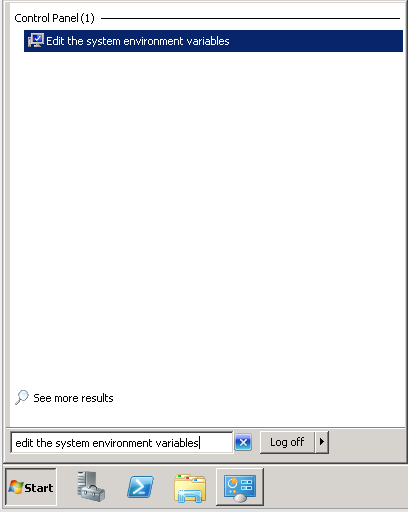 Figure 1 - Search for "Edit the system environment variables” in the Start Menu
 - In the System variables section, select Path and click **Edit **
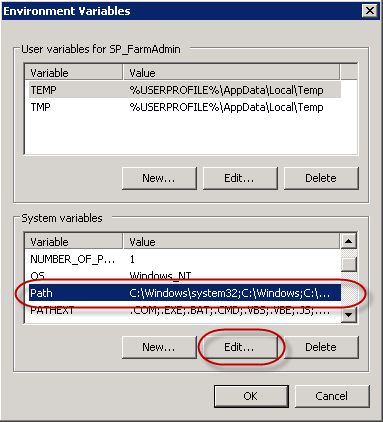 Figure 2 - Under System Variables | Select Path | Click Edit
 - Add the path at the end of the Variable Value 1. For a SharePoint 2007 Server, enter: ;C:\Program Files\Common Files\Microsoft Shared\Web Server Extensions\12\bin
- You may need to reboot the server
- You can now run stsadm from anywhere in the command prompt