Screen Recordings - Do you make sure your applications are easy to view?
Loading last updated info...
When presenting the screen to an audience it is important to alter a few things for the best possible experience for the audience. The most import thing is to increase your font to make the content more visible.
Here are some of the applications where it is especially important:
- Visual Studio
- Text Editor
- Command Prompt
Visual Studio
- Make your font bigger. This is probably rule number one. There's nothing worse than not being able to see the excellent code you're trying to demo.
- Increase the font of the Text Editor from 10 to 14 or more.
- Increase the font of your Environment from 9 to 12 or more.
- Remove any distracting panes or other windows. These usually just get in the way. If you really need them, make sure they're set to pin mode, so they hide when not in use.
- Most importantly, you can have all these things done for you at the click of a button by using the presentation mode extension by Mads.
Video: Use Presentation Mode in Visual Studio (5 min)
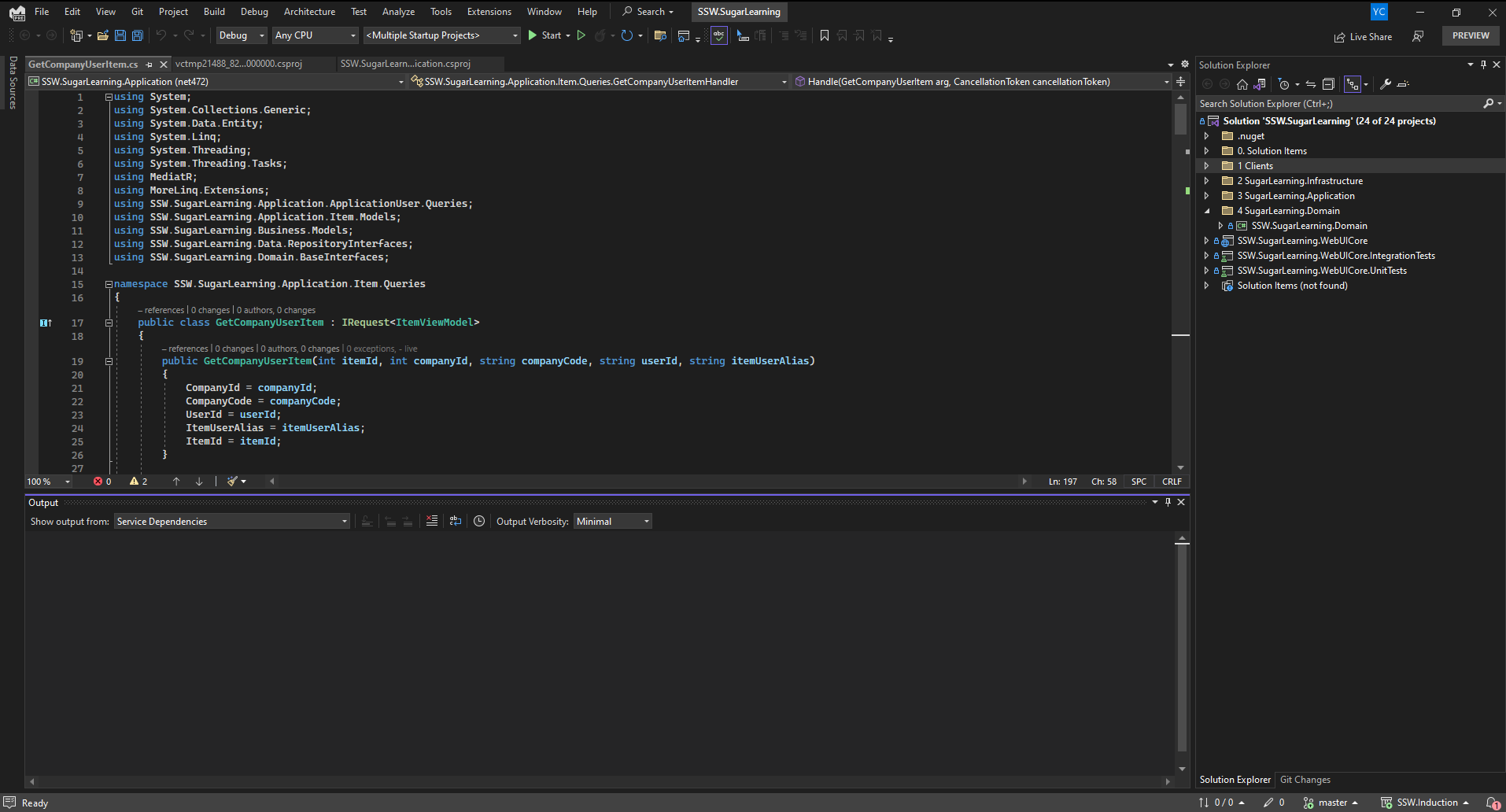
❌ Figure: Bad example - Most of the Visual Studio UI is too small to read and the Output window takes up a lot of space
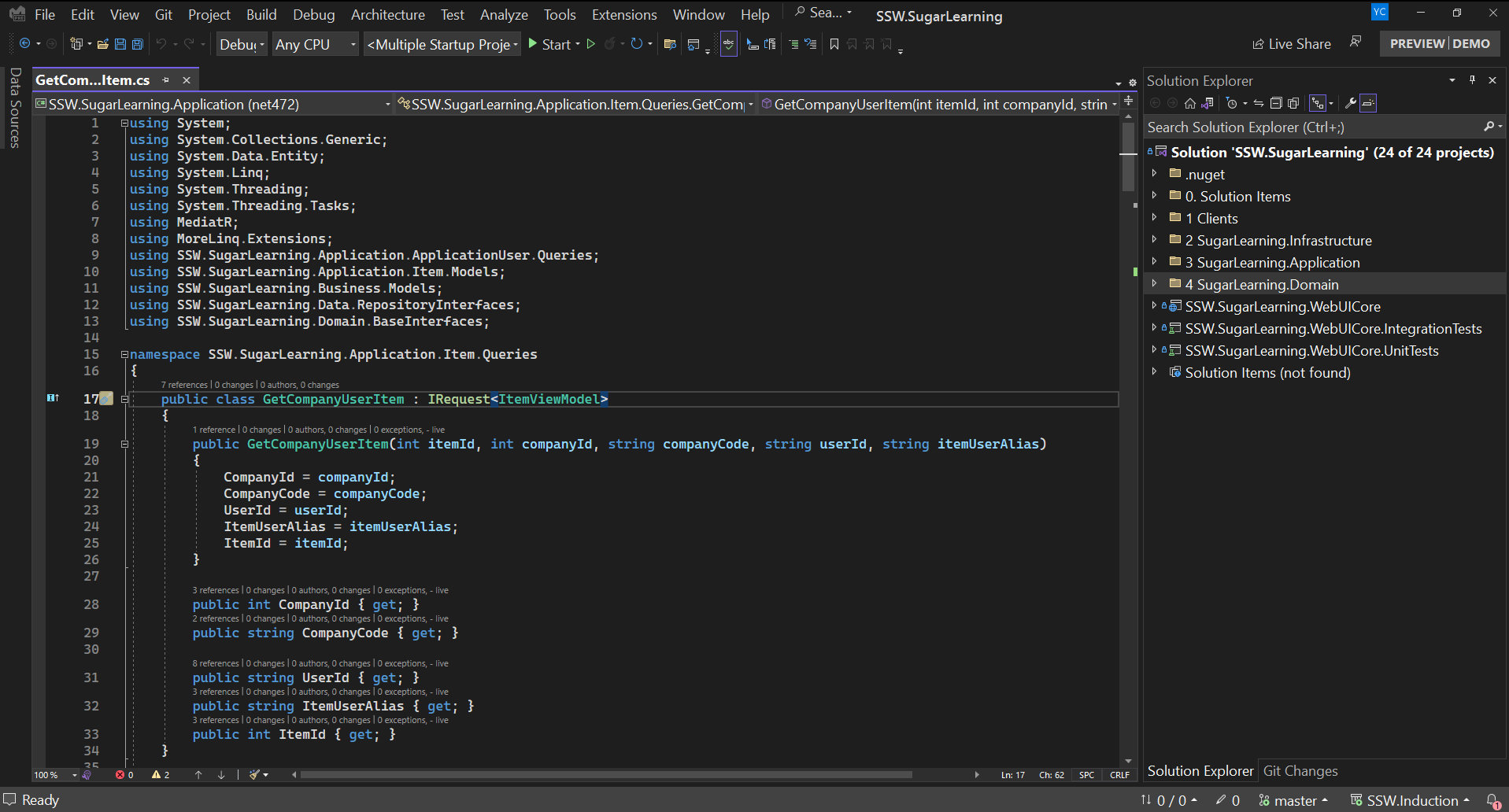
✅ Figure: Good example - Presentation mode creates a full alternative profile so you can adjust font sizes across the whole UI
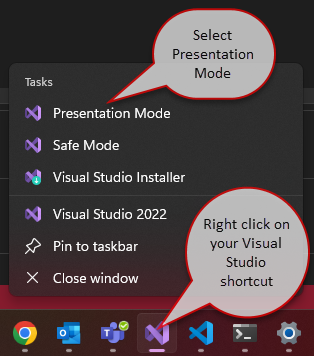
Figure: Open Visual Studio Presentation mode
Text Editor
Change font size in your text editor. Zoom in from 100% to 200%.
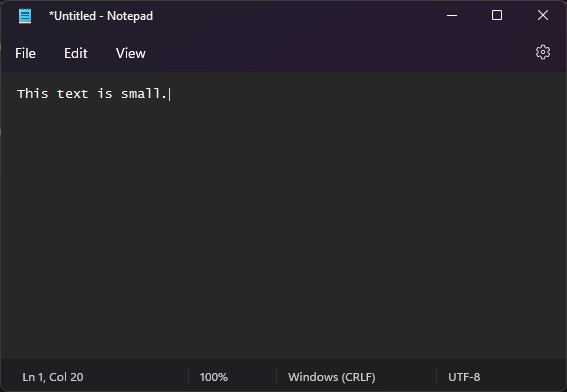
❌ Figure: Bad example - Small font size
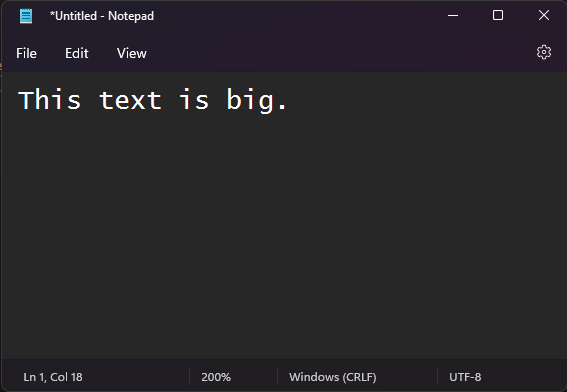
✅ Figure: Good example - Good font size
Command Prompt
And don't forget to change your command prompt as well. Increase the font size from 12 to 16 or more.
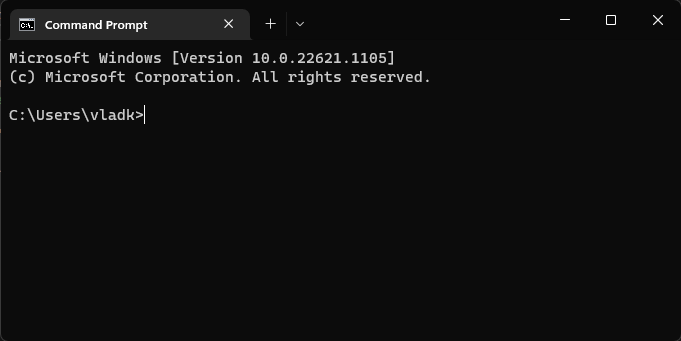
❌ Figure: Bad example - Command prompts are hard to read
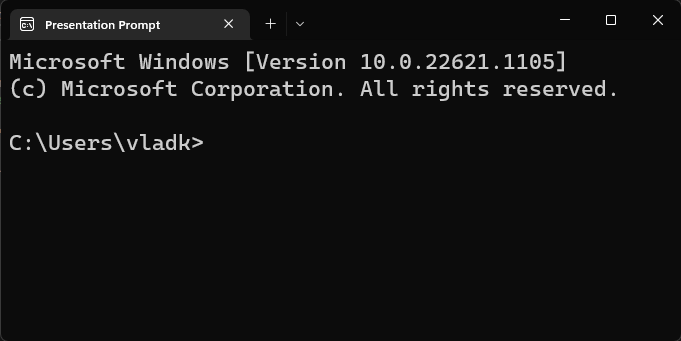
✅ Figure: Good example - Font size for command prompt should be about twice as much as by default
Extra - Create a Command Prompt profile
You can create a custom profile for Command Prompt in Command Prompt | Settings | Add a new profile.
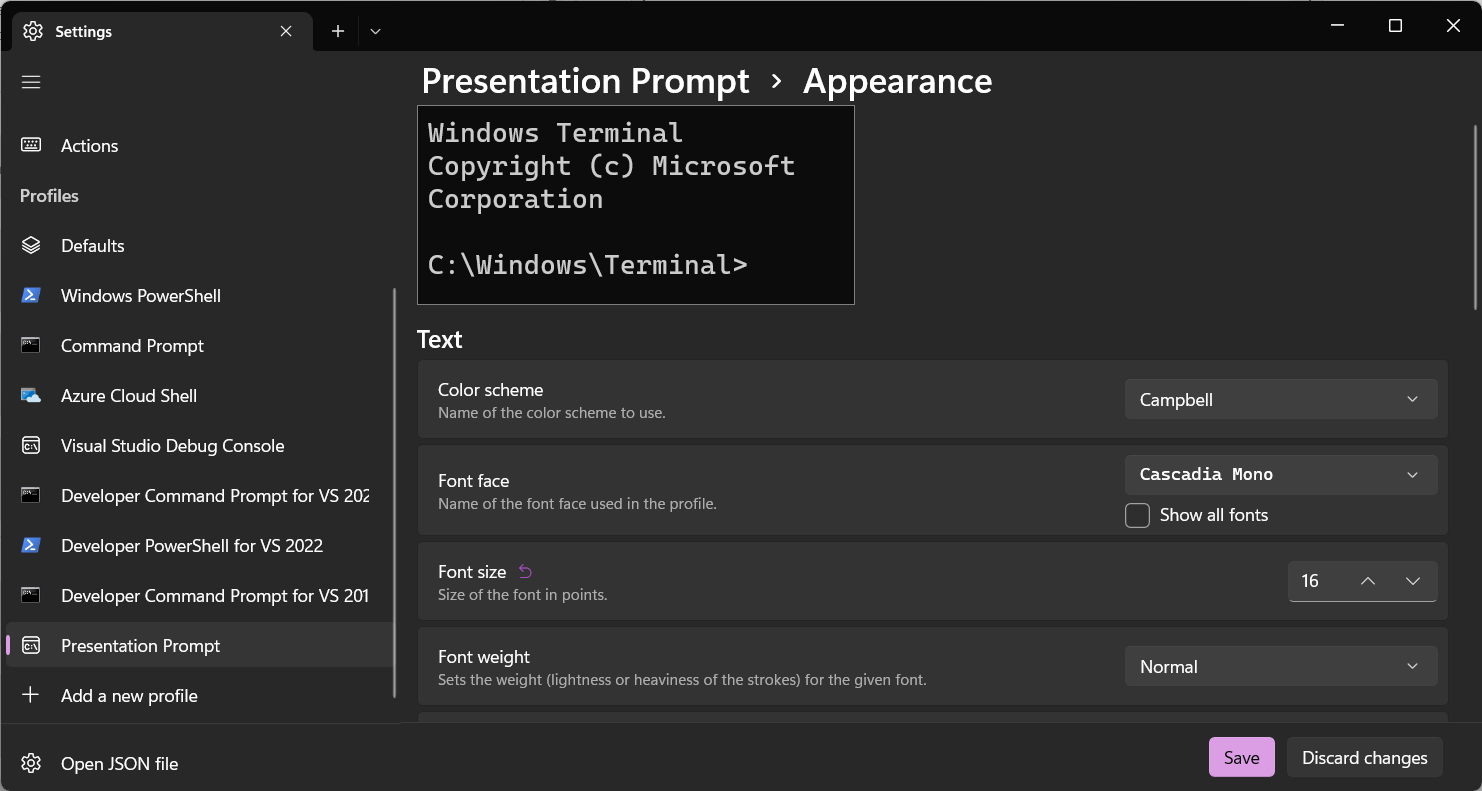
Figure: Command Prompt profiles
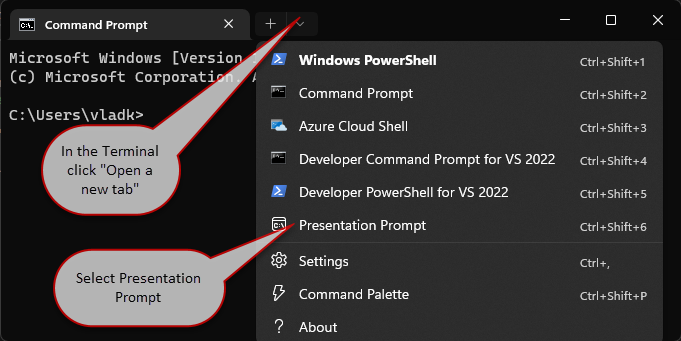
Figure: Open Presentation Prompt