Need a video for your business? Check SSW's Video Production consulting page.
Creating high-quality videos consistently requires more than just a great idea. You need a dedicated setup that allows you to focus.
The popular open plan office will commonly result in poor vocal audio, bad lighting, and an inconsistent background that detracts from your content. A streamlined, self contained recording space can help save time and ensure your videos look and sound professional without the technical burden.
When you've finished a PBI you should record a video to send to your Product Owner and anyone else that is interested. A 'Done' video is much better than a screenshot because you are proving the PBI workflow actually works. Even better, this video can double as documentation or release notes for your users.
Although it can be daunting, creating a awesome 'Done Video' doesn't have to be hard. Luckily, we have you covered with these key tips to make your 'Done Video' great!
Producing video content for YouTube and TikTok can help you increase brand awareness, engage with potential clients, and showcase your expertise in the software industry. Here are some types of video that you might create:
If writing a technical script where you don't have the knowledge to make the final call, it is important to remember that different developers will sometimes have conflicting opinions.
Recording a public video is time-consuming... scripting, filming, editing, and reviewing all take extra effort. The biggest waste happens when you record before verifying the accuracy of your content.
Before hitting record, a quick content check can save hours of rework and help you get it right the first time.
Aligning expectations with stakeholders is key to success, especially for creative content where the outcome is very variable. Make sure you define what kinds of videos need what quality level.
When filming a video, it's crucial that images are of the highest possible quality. Capturing a screenshot with a 1080p monitor can be problematic because the screenshot might need to be cropped or zoomed in on causing it to be low resolution in the video. Moreover, there may be elements in the screenshot that should be edited such as sensitive information or the placement of a button.
Luckily, the developer console equips you with an impressive array of tricks for capturing screenshots with extremely high resolution while easily editing elements on the screen.
Focus peaking is a valuable tool that assists videographers and filmmakers in achieving precise and accurate focus in their shots.
It highlights the areas of the image that are in sharp focus with a distinct and often colourful outline. This visual aid is superimposed onto the live view or monitor display, making it easier for the videographer to identify the focal points within the frame.
Focus peaking is included in most professional video cameras and external video monitors.
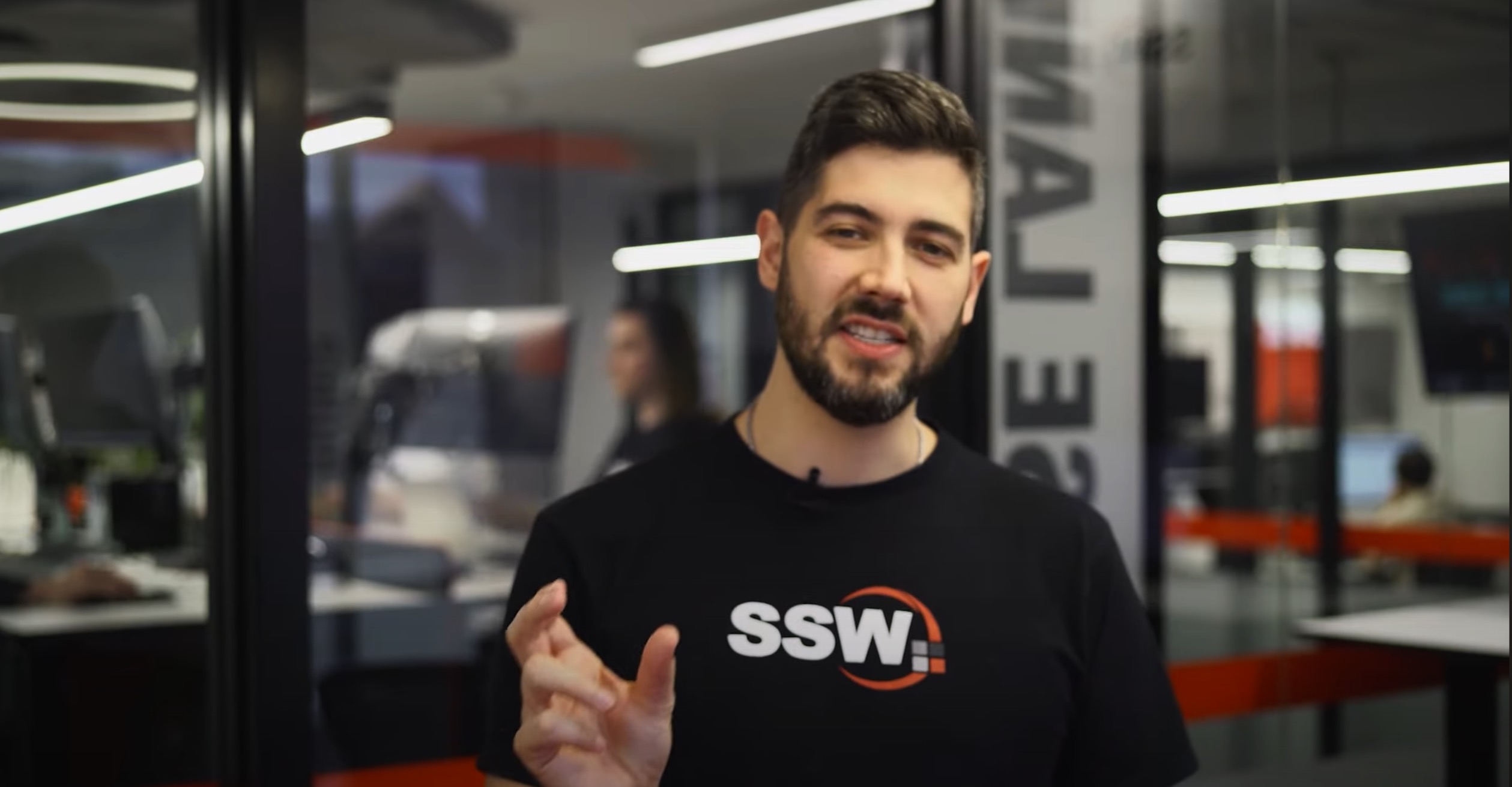
❌ Figure: Bad example - Subject out of focus
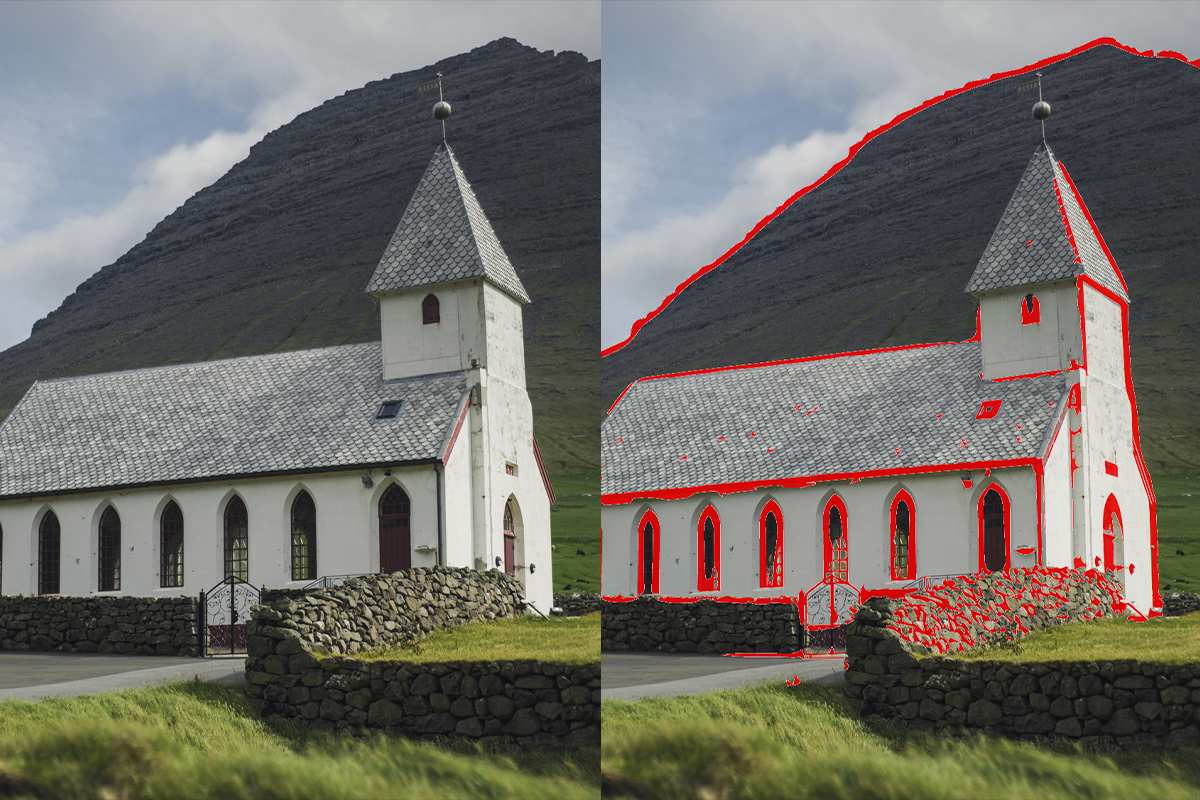
✅ Figure: Figure: Good example - Focus peaking highlighting areas in focus
Without a 'call to action' (viewers to do something at the end of a video) the purpose of the video is lost. So you don't waste all your hard work editing, you should include a CTA at the end.
Common objectives are to:
- Obtain the viewer's email address
- Get the viewer to provide info and request a service from the company
- Get them to subscribe to the company's social media pages
per page
1 - 10 of 70 itemsper page
1 - 10 of 70 items