Do you know when to send links or attachments in emails?
Loading last updated info...
How you work with attachments should change depending on who you are emailing.
For internal communications, linking to a document store on the intranet keeps files accessible, up-to-date, and minimizes the risk of broken links. When communicating externally, attaching the file directly is often more convenient for recipients who may not have access to internal systems.
Internal documents - Use a link
If you're sending to a fellow employee, use a link to a document stored on your intranet (E.g.: intranet.northwind.com/SharedDocuments).
When sharing documents internally it's best to keep the work alive in a link. The best way to do that is to have it hosted in one place where all working parties can access it.
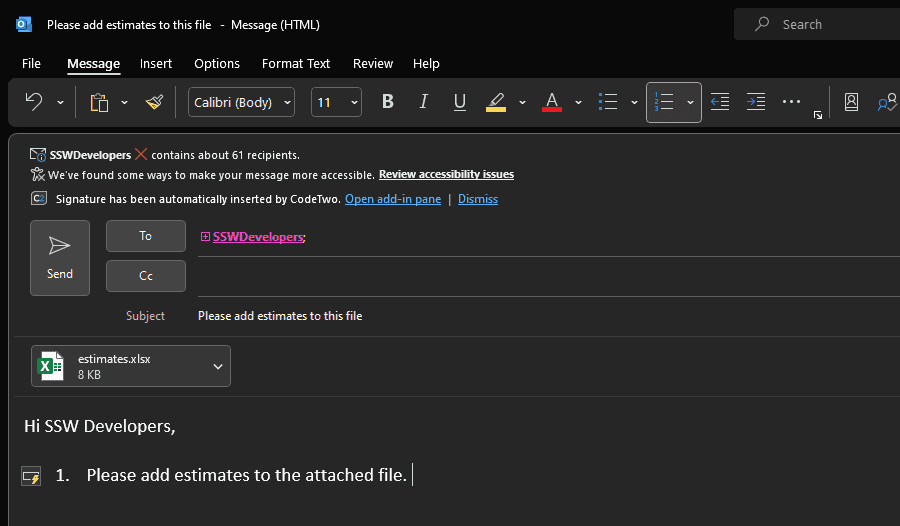
❌ Figure: Bad example - Attaching documents to emails when sending internally
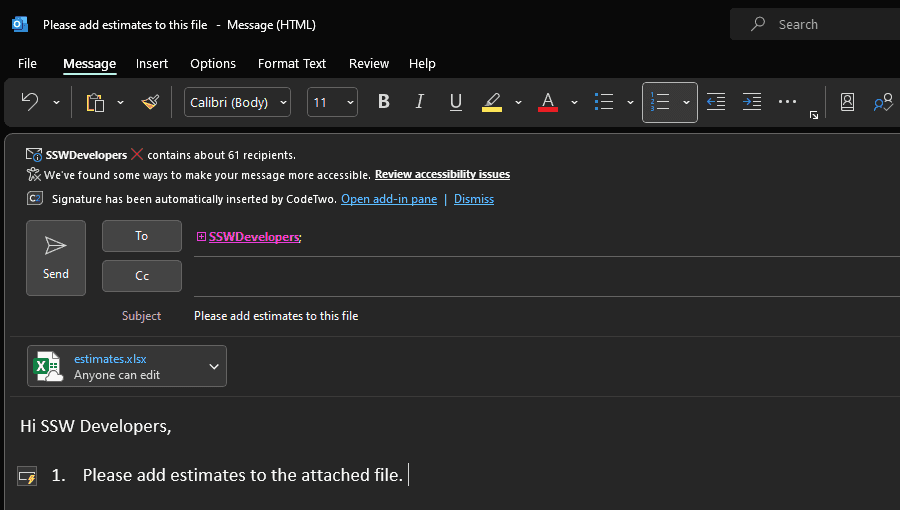
✅ Figure: Good example - Sharing documents in SharePoint so the team can access and work on the same document
Tip: Using SharePoint can help minimizing broken links.
External documents - Use a public link or attachment
If you're sending to a client, either get them to share a publically available link, or attach the file to the email (e.g.: a Spec Review).
It's often easier to attach the file than share a link due to permission issues. This allows them to easily share the document internally and always have access to the copy.
- Clients often prefer attachments
- They can forward it to whoever they want
- There is a paper trail of changes and feedback that they can share internally on their end
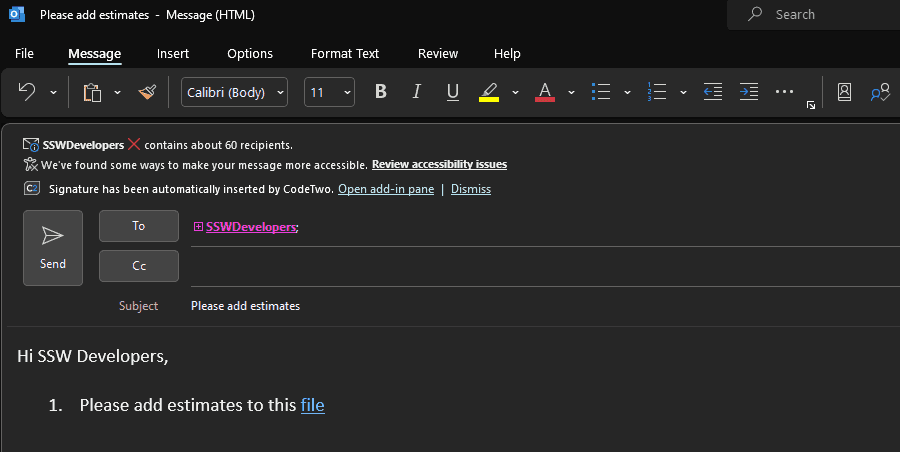
❌ Figure: Bad example – Added the file as a link for external users. This requires adding them as guests to Teams, or having to make the file an anonymous link
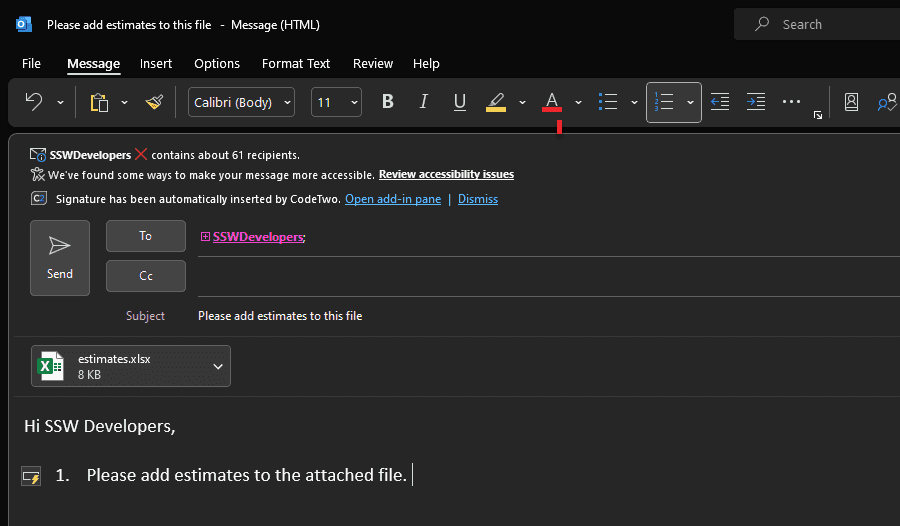
✅ Figure: Good example – Added file as an attachment for external users