Outage - Do you have a planned outage process?
Loading last updated info...
For unplanned outages, see Outage - Do you have an unplanned outage process?
If your servers are down or have to go down during business hours you should notify the users at least 15 minutes beforehand so you will not get 101 people all asking you if the computer is down.
For short outages (under 15 minutes) that only affect only a few people (under 5 people), or are outside of business hours, then IM is the best method. If you use Microsoft Teams, a quick message will do.
Note: If they are not online on Teams, then they can't complain that they were not warned.
For extended or planned outages, or if you have a larger number of users (50+), email is the suggested method.
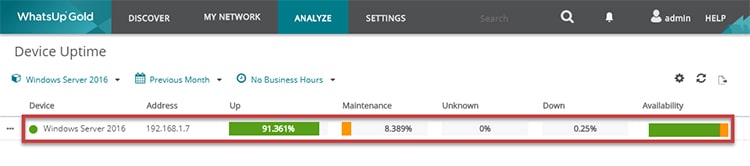
If you send an email it is a good idea to tell the user a way to monitor the network themselves. Eg. Software solutions like SCOM or WhatsUp Gold.
Include a "To myself". It gives visibility to others who are interested in what needs to be done to fix the problem and makes it easier to remember to send the 'done' email. E.g. "done - CRM is alive again".
To:
SSWAll
Subject:
Planned Outage \\
Hi All
Here is the summary of the outage plan:
| Planned/Unplanned: | Planned |
| Change Description: | Install Windows Updates and Restart Server |
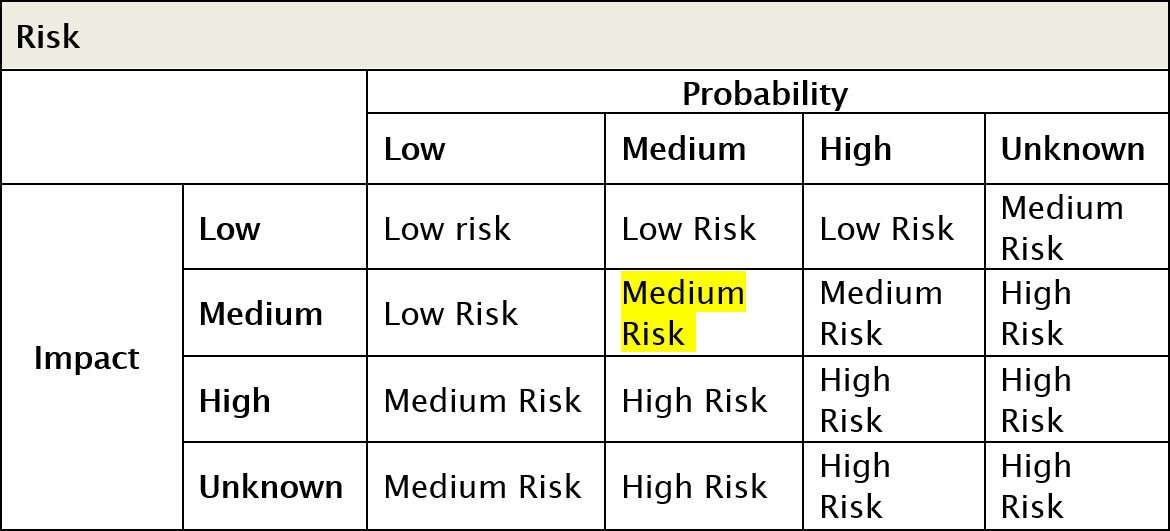
| Risk (see table below): | LOW RISK (LOW Probability and MEDIUM Impact) |
| Reason For Change: | Windows 2016 Windows Updates |
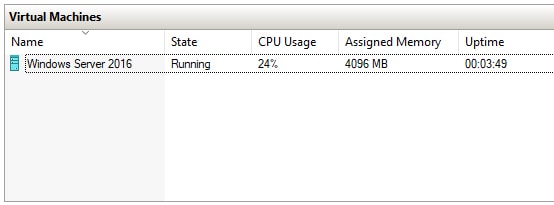
| Uptime over last month: | 91.361% |
| Planned Outage (mins): | 150 |
| Planned Start Time: | 26 October 9:00 PM |
| Planned Finish Time: | 26 October 11:30 PM |
| Affected Services: | \Windows Server 2016 , sharepoint.ssw.com.au intranet.ssw.com.au , projects.ssw.com.au |
Risk Lookup Table by Probability and Impact:
Note: The following servers will be affected:
and
To myself
To show others who are interested in what needs to be done to fix the problem:
Detailed Change Plan:
- Lockout users via IIS
- Backup server
- Install Windows Updates
- Reboot server
- Follow test plan
- Based on result of test plan, follow backout plan if procedure failed
- Procedure completed
Test Plan:
- Check Event log for errors
- Check each affected service is running
- Call test users to start “Test Please” on the affect services
- Get result of user “Test Please” by email by 11:15 PM
Backout Plan:
- Restore server from backup
Note: <This is as per rule Outage - Do you have a planned outage process? >
Figure: Example planned outage email
Pre-Outage Checklist
Immediately before the scheduled downtime, check for logged in users, file access, and database connections.
Users
Run | Taskmgr | Users' tab | Check active connections | Request users to log off
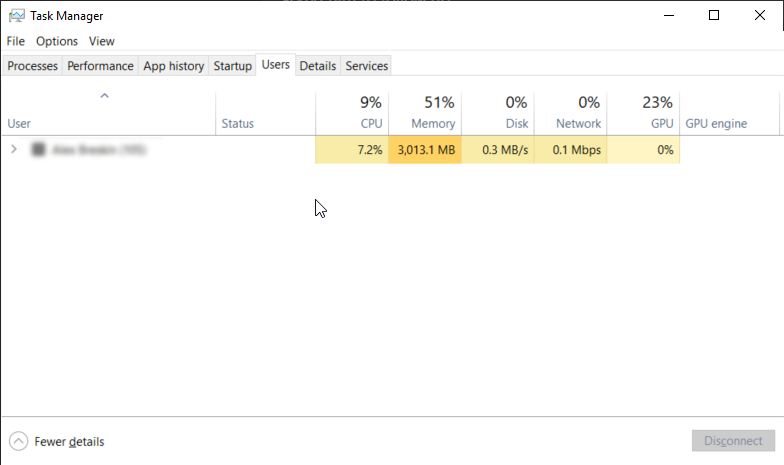
Figure: Connected users can be viewed in Task Manager
Files
Run | compmgmt.msc | System Tools | Shared Folders' | Review 'Session' and 'Open Files' for user connections
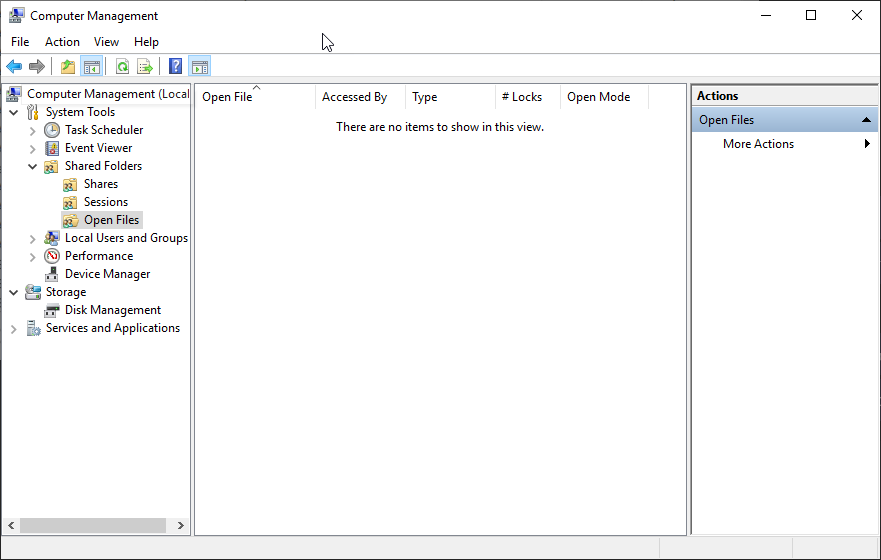
Figure: Computer Management 'Open Files' View
Database
SQL Server Management Studio | SQL Server Connection | Activity Manager
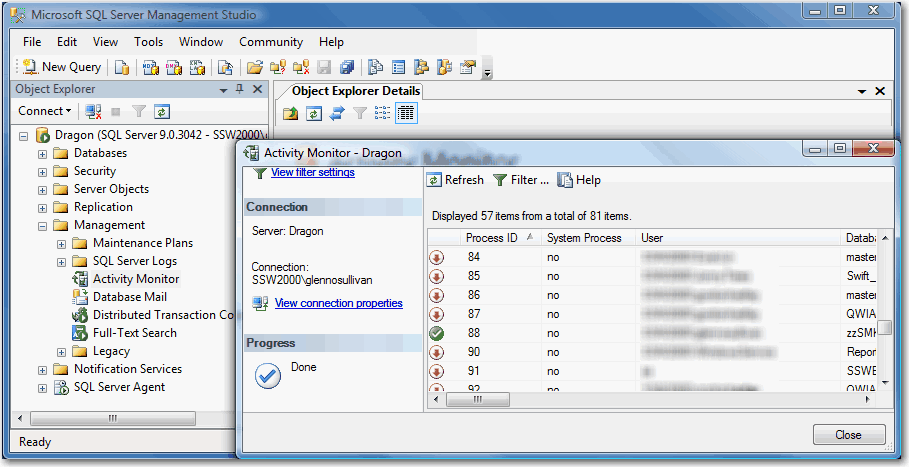
Figure: SQL Management Studio 'Active Connections' View
Once these have been checked for active users, and users have logged off, maintenance can be carried out.
Restarts should only be performed during the following time periods
- Between 7am and 7:05am
- Between 1pm and 1:05pm
- Between 7pm and 7:05pm
If a scheduled shutdown is required, use the PsShutdown utility from Microsoft's Sys Internals page.
Always reply 'Done' when you finish the task.