Do you have a nice video background?
Loading last updated info...
You are likely to have constant Teams or Zoom video calls with clients or work colleagues. One of the first things you should think about should be how to have a nice background.
Home offices
For home offices, follow "less is more" - A neutral background, good lighting, and a clutter-free space can significantly enhance the quality of your video.
- Have a neutral wall or setup behind you or with minimal objects - you may be fond of family pictures or band posters, but the person on the other side may be distracted
- Check you don't have a pile of clothes to fold, boxes, or any mess that may be behind your desk
- Good lighting can improve the general quality of your video
- If you want to go the extra mile, designate one wall as your company wall and keep it consistent with the company branding
Test your background - Start by sitting at your desk and taking a selfie to check your background. Use this as a guide to tidy and organize your space for a more professional appearance.

❌ Figure: Bad example – A messy background and bad lighting do not look professional

🙂 Figure: OK example – Clean home background with a branded monitor showing off the company website (unnecessarily hard to set up)
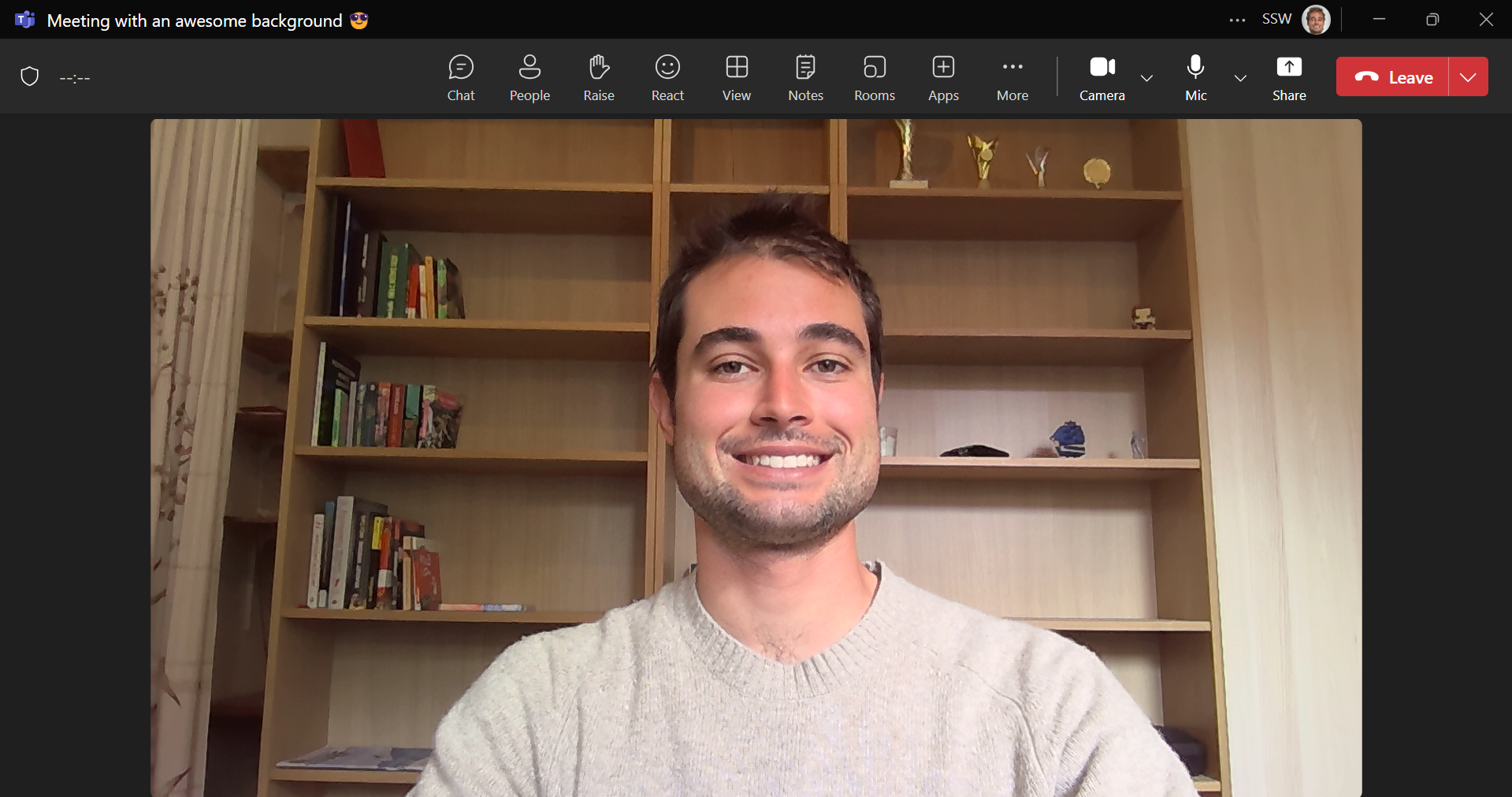
✅ Figure: Good example – Clean and simple home background with clear and good lighting
On-site offices
When you're in the office, it's easy to have a professionally branded background, which remains the most effective option.
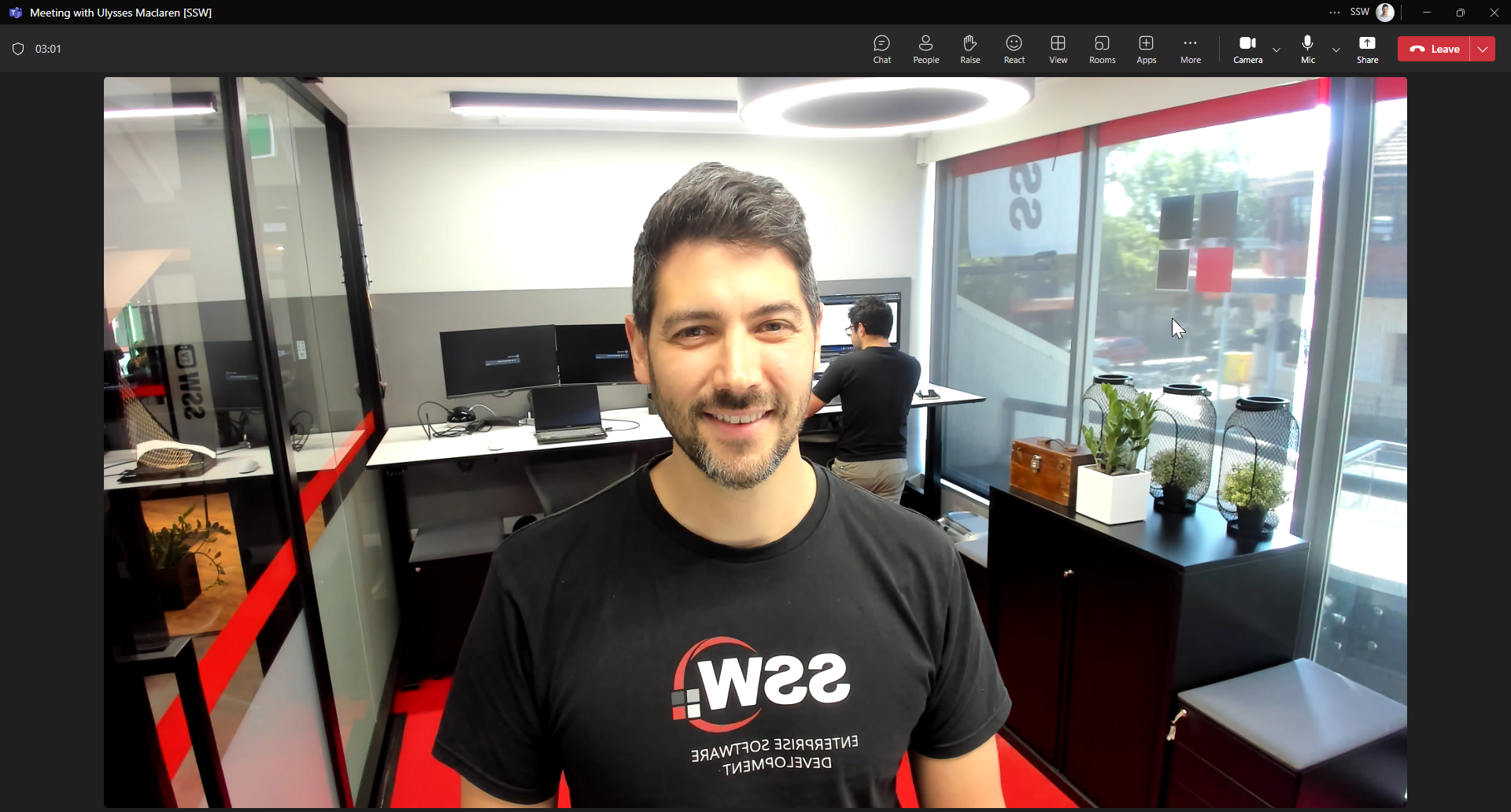
✅ Figure: Good example – Office background with nice lighting ☀️
Virtual/Blur backgrounds (⚠️ not preferred)
Ideally you should have a clean, professional background (like in an office).
While not preferred, virtual/blur backgrounds can be used when your background has unavoidable clutter or distracting elements. The virtual/blur effect should be your last resort - only use it when your physical background is genuinely unprofessional.

❌ Figure: Bad example – 1st screen - Blur was used in the office

✅ Figure: Good example – 1st screen - Without blur, the office background looks professional
- Teams - Custom backgrounds in Microsoft Teams make video meetings more fun, comfortable, and personal
- Zoom - Virtual background feature allows you to display an image or video as your background during a Zoom meeting