If you still need help, visit Microsoft Customer Relationship Management CRM | SSW Consulting Sydney, Brisbane & Melbourne and book in a consultant.
When demoing Dynamics to a client we will typically use a dedicated demo environment for a few reasons:
- Demoing company Dynamics not a good idea due to sensitive data leakage
- Can preinstall any first-party or third-party solutions ahead of time
- Potentially hand demo environment over to the client for further evaluation
What are the demo options?
As per rule "Do you have separate development, testing, and production environment?", it's better to use different background colors to identify Development, Test and Production servers.
CRM
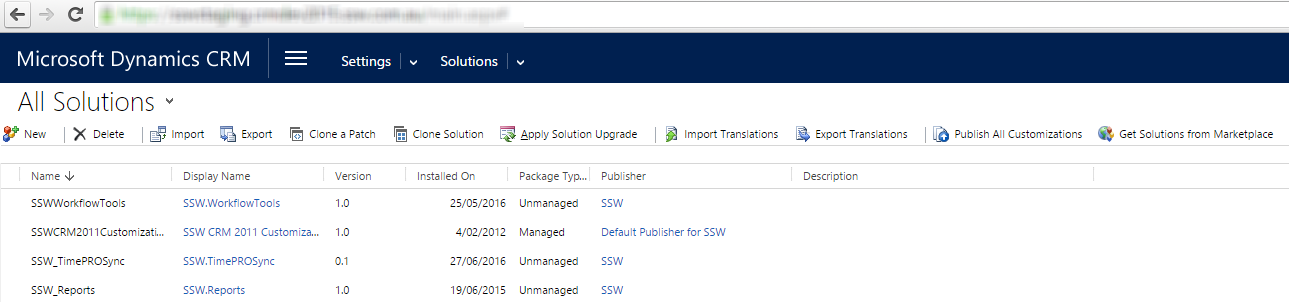
Figure: Staging uses blue background
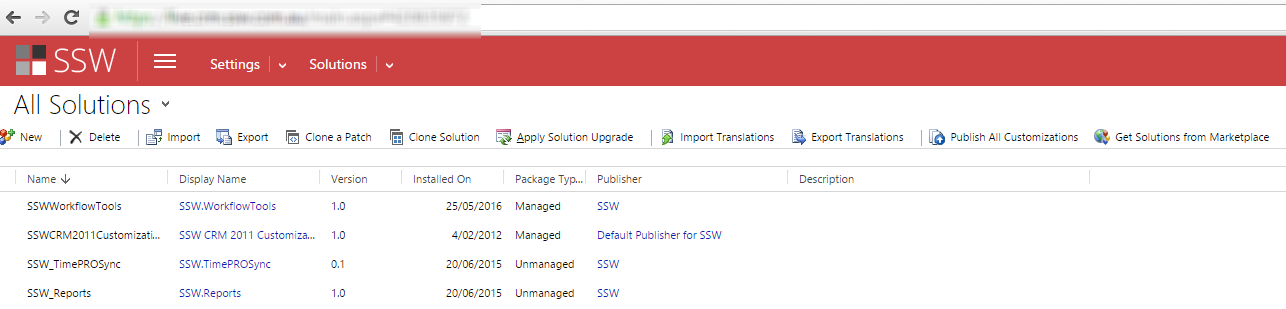
Figure: Production uses red background
The way to change the default background color is to edit the CRM CSS files. These changes aren't supported and may be overwritten when CRM Rollups are applied.
CRM 2015 and CRM 2016
Using theme feature to change the environment color.
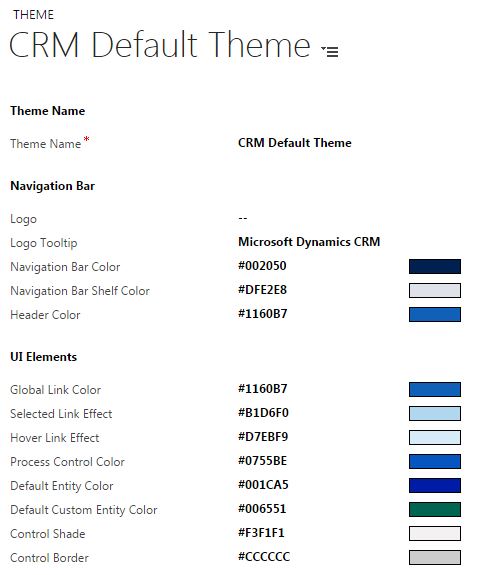
Figure: Changing CRM 2016 UI by using theme feature
CRM 2013
Edit
{{ CRM WEBSITE ROOT }}\_controls\navbar\navbar.css:.navigationControl {background-color: #006600;margin: 0;z-index: 999;float: left;width: 100%;position: relative;}Figure: Edit the background color to reflect the environment
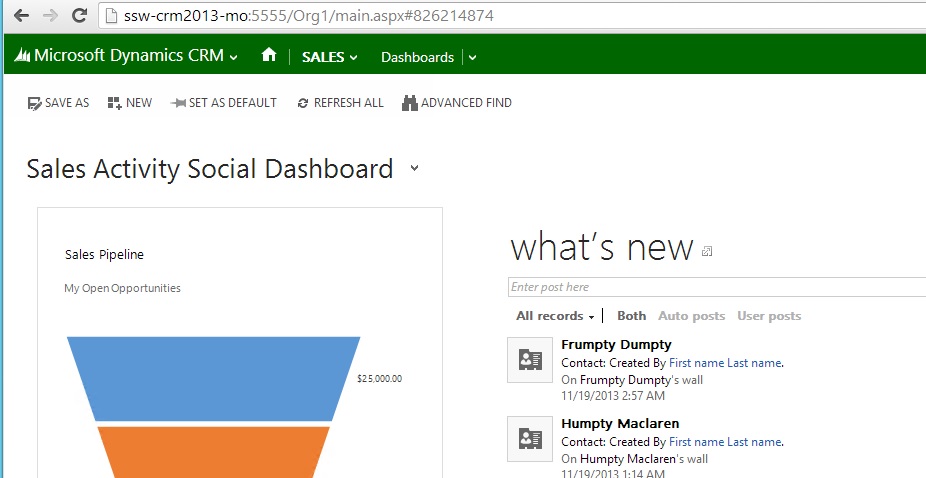
Figure: CRM 2013 with a green navigation bar
It is important to use consistent language when talking about changes made to a CRM environment. The terms configuration and customization are sometimes used interchangeably. It is clearer to use the following to differentiate them: Configuration, Customization and Extending.
When exceptions occur in CRM they are trapped by the platform layer and a standard error message is displayed to the user.
Prior to CRM 2013 if a CRM user wanted to:
- Show an error message
- Set a field value
- Set business required
- Set field visibility (show/hide fields)
- Lock or unlock a field
They would normally need to get a CRM developer involved to write JavaScript code to automate these actions.
Starting with CRM 2013 (and much improved in CRM 2015), users can now use Business Rules to automate these actions without getting a CRM developer involved.
CRM Workflows have always been a great option to create, update and delete data when a certain action has occurred, eg: When a customer is created, create a task for sales to update contact information. This is an example of an asynchronous workflow ie: it occurs after the record is created at some time determined by CRM.
CRM 2013 adds real-time (synchronous) workflows. These workflows run in sync with the record. An example of this might be a setting a Lead’s Estimated Value too high (say greater than $100,000), if a user enters a value greater than $100,000 the value isn’t going to be accepted.
The built-in CRM report wizard is great for users to quickly and easily create reports in CRM.
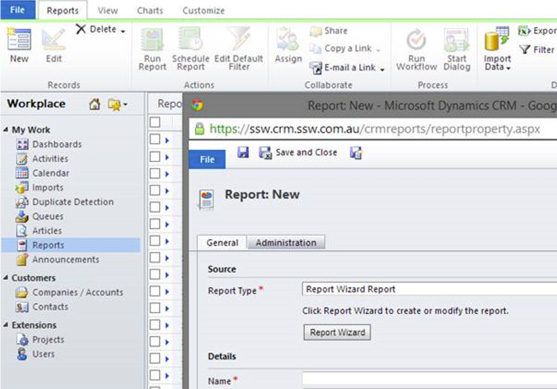
Figure: The starting point
The Microsoft Dynamics 365 Implementation Guide contains essential information on installation pre-requisites and planning, implementation tools and troubleshooting.
Usually there is not much point creating an over-complicated organizational structure in MSCRM, a flatter organizational chart will achieve the same end result. Whilst the security model of Microsoft CRM is highly configurable, most organizations do no need to have excessive differentiation of data ownership and hence could cut down on unnecessary work. It is recommended to use the "out of the box" roles for almost all organizations less than 30 users.
As of the December 2012 Service Update (online) and Rollup 12 (on-prem) CRM HTML Components (HTC) are disabled by default. This means any JavaScript that references the V4 API will fail. Using the CRM Custom Code Validation Tool will help you to track down this legacy code and update it. It is not recommend to re-enable the HTC controls as it will just create more problems down the track.
per page
1 - 10 of 41 itemsper page
1 - 10 of 41 items